Get all your news in one place.
100's of premium titles.
One app.
Start reading
Tom’s Guide
Tom’s Guide
Technology
Kaycee Hill

I fixed my iPhone hotspot issues with these 5 simple steps

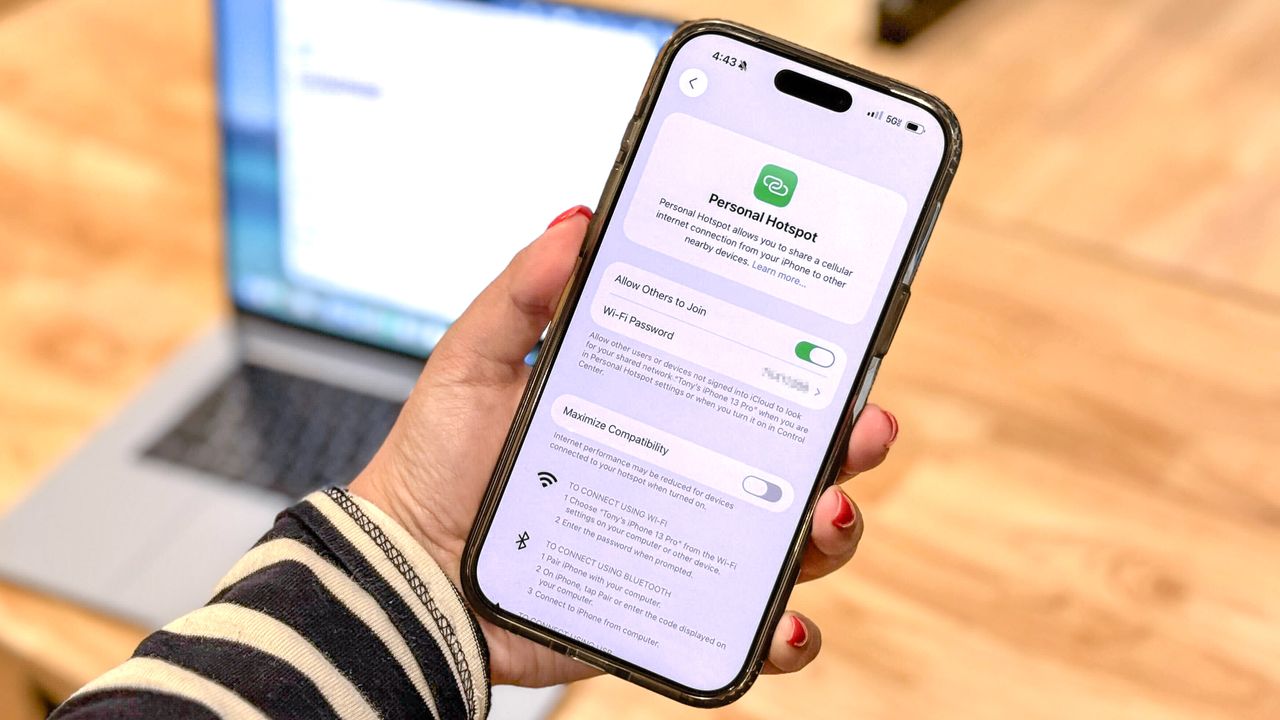
A person holding up an iPhone in front of a MacBook showing off iOS' Personal Hotspot feature.

There's a special kind of panic that hits when your iPhone's Personal Hotspot refuses to work on a deadline. No Wi-Fi in sight, your laptop is useless, and the one feature standing between you and connectivity has gone dark.

The vast majority of hotspot failures come down to a handful of simple settings: cellular data switched off, Personal Hotspot toggled out of place, or a network configuration that's quietly gone wrong. Occasionally a carrier issue or software bug is to blame, but those are easier to fix than they sound.

Sign up to read this article
Read news from 100's of titles, curated specifically for you.
Already a member? Sign in here
Related Stories
Top stories on inkl right now
One subscription that gives you access to news from hundreds of sites
Already a member? Sign in here
Our Picks
Fourteen days free
Download the app
One app. One membership.
100+ trusted global sources.