Get all your news in one place.
100's of premium titles.
One app.
Start reading
TechRadar
TechRadar
Matt Hanson

I created a Windows 11 virtual machine to test DeepSeek safely – here's how you can do it for free

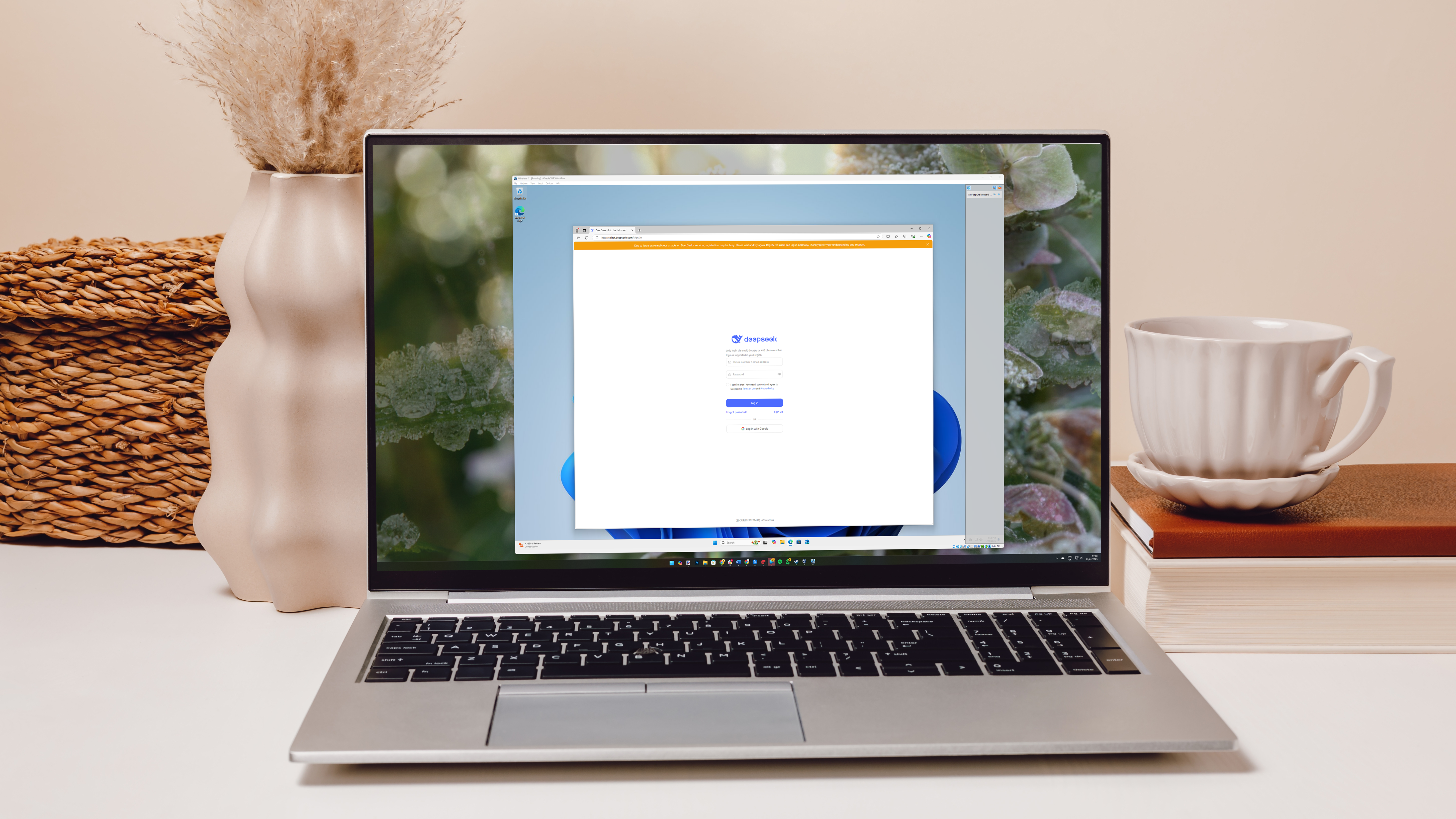
Laptop with a virtual machine logging into DeepSeek on screen on the table with vase, cup and home decor.

DeepSeek is a new AI tool that has got a lot of people excited – but there are also some serious security concerns as well, which is why I've written this guide on how to create a virtual machine to test out DeepSeek.

Creating a virtual machine might sound complex, but it's actually quite straightforward. It essentially makes a computer that runs within your real PC, and will act as if it was a real device.

Sign up to read this article
Read news from 100's of titles, curated specifically for you.
Already a member? Sign in here
Related Stories
Top stories on inkl right now
One subscription that gives you access to news from hundreds of sites
Already a member? Sign in here
Our Picks
Fourteen days free
Download the app
One app. One membership.
100+ trusted global sources.