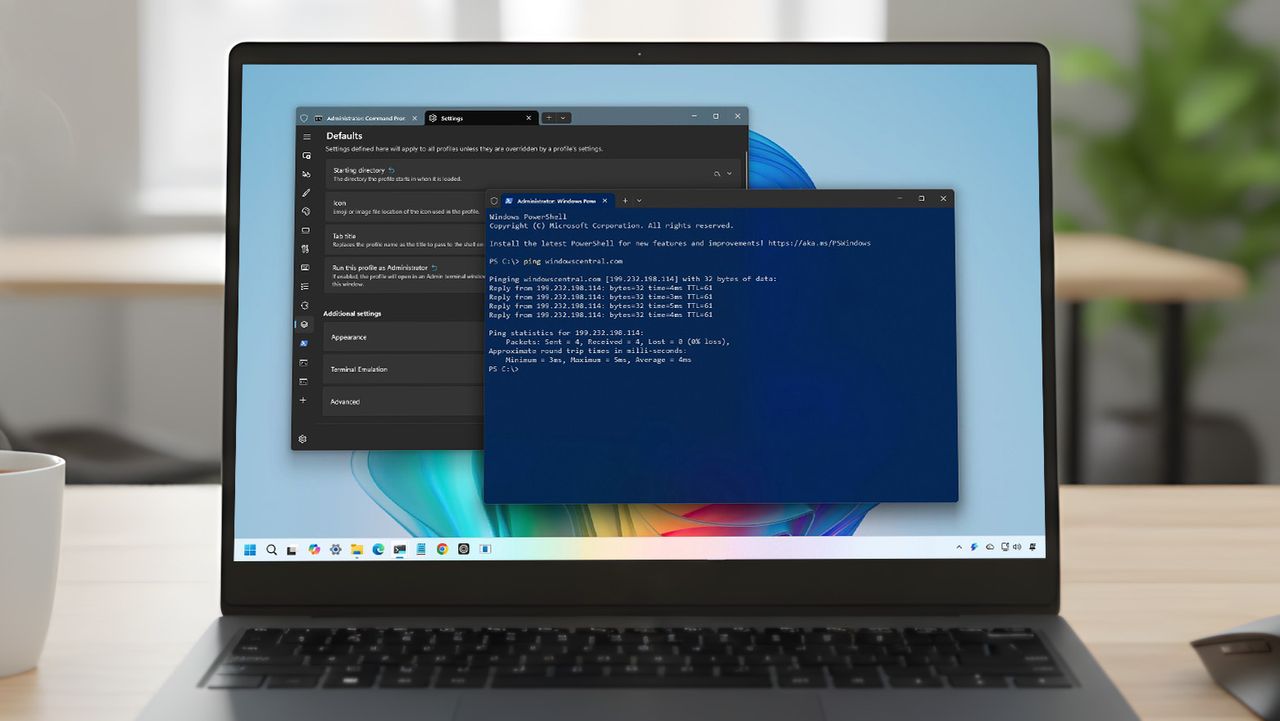
Windows Terminal is the new shell for all your command-line tools, including PowerShell, Command Prompt, and Windows Subsystem for Linux (WSL). However, out of the box, it is not configured to meet everyone's preferences. Every time I set up a new Windows 11 installation on an existing or new computer, I apply a specific set of configurations before doing any real work.
These changes are not about aesthetics alone. They improve readability, reduce friction when switching between shells, and make the Terminal behave consistently across machines. Whether you use PowerShell, Command Prompt, WSL, or all three, these settings turn Windows Terminal from a good default app into a tool that actually looks and works the way you want.