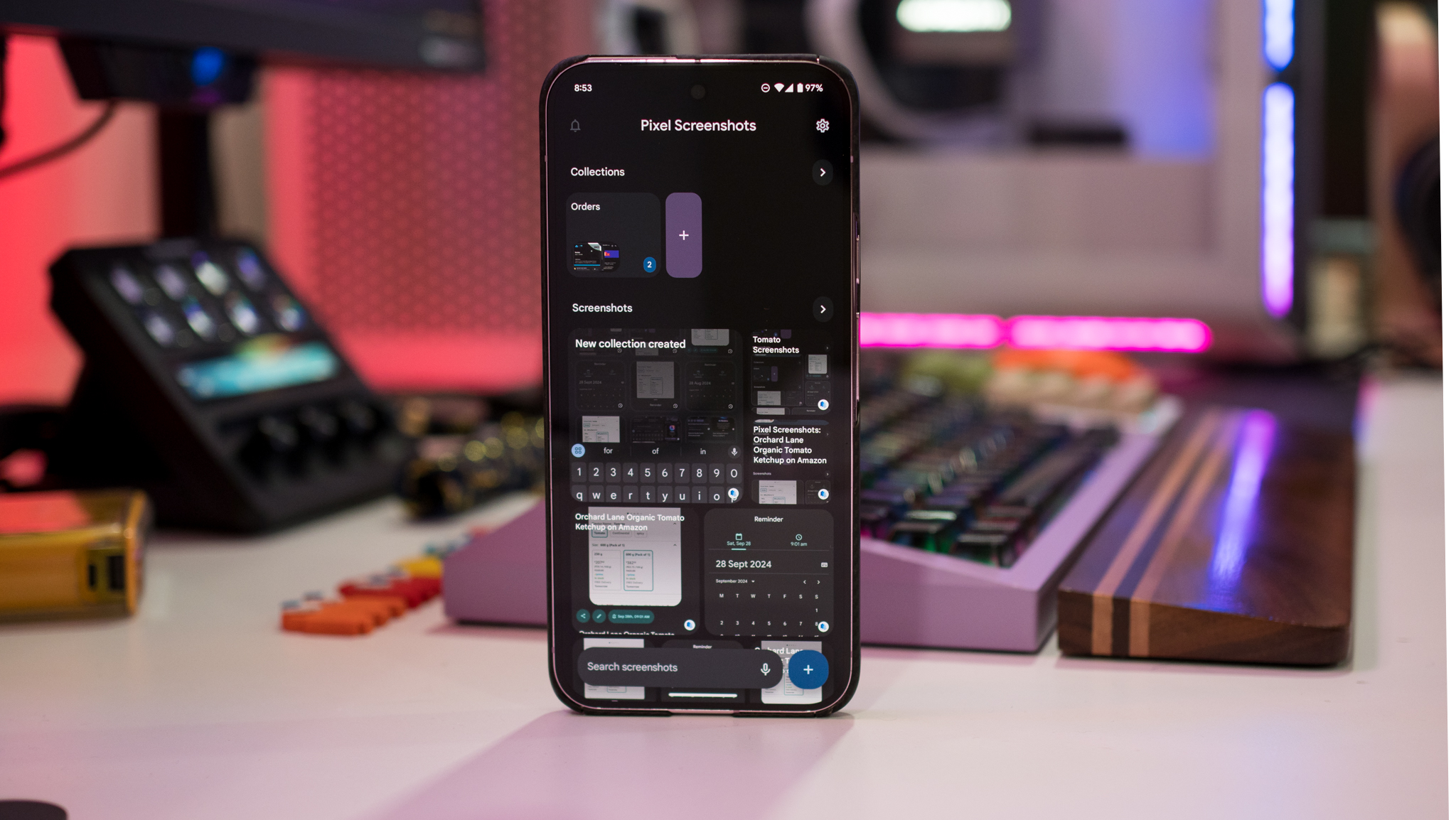
When leaks highlighted that the Pixel 9 series would get a new app called Pixel Screenshots, I didn't pay much attention. I thought it was just a location to save all screenshots, but I was wrong; while Pixel Screenshots manages to store all your screenshots, it does so much more: it uses Google's Gemini Nano on-device AI engine to parse through the information in the screenshot, and make it easily accessible.
I tend to take screenshots of billing details and other order-related information, but that's unorganized, and I have to manually search screenshots to usually locate the details I need. That's where Pixel Screenshots makes a difference; the app automatically creates a title and summary of the content included in the screenshot, so if there's a reminder or an upcoming event, you can easily add it to your calendar.