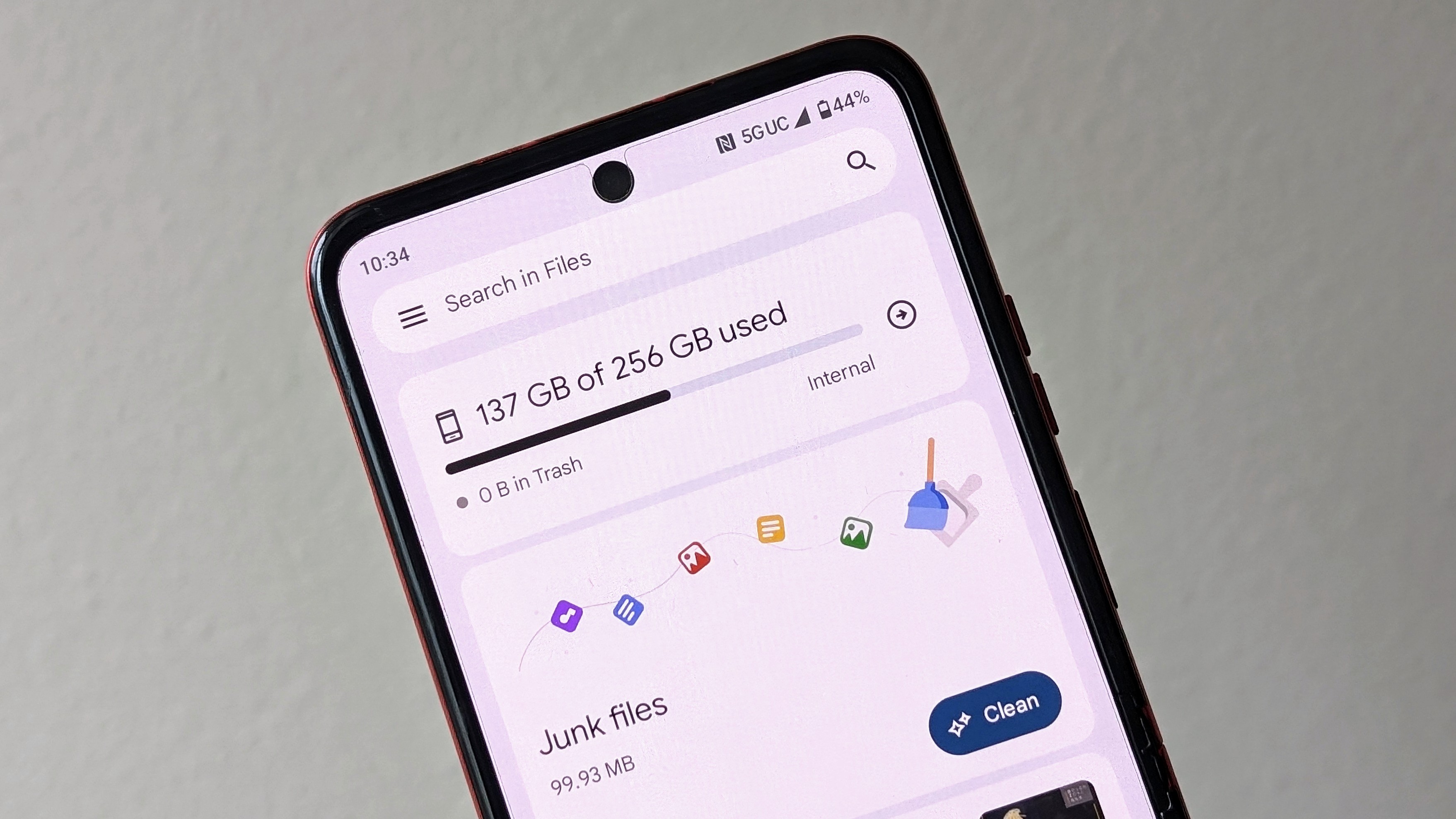
With the advent of cloud storage, it's easy to forget how little on-device storage Android phones really have available. Even in 2025, there are still plenty of devices from Samsung, Google, and other brands that ship with 128GB of on-device storage or less. That's why it's important to stay on top of your storage usage, cleaning up old files as necessary.
Luckily, Android includes a few built-in storage management tools with the Files by Google app. Using the Clean tool, Trash bin, and Smart Storage features, you can make sure you have plenty of space for all your apps, music, videos, and more. Here's everything you need to know about saving space with the Google Files app.