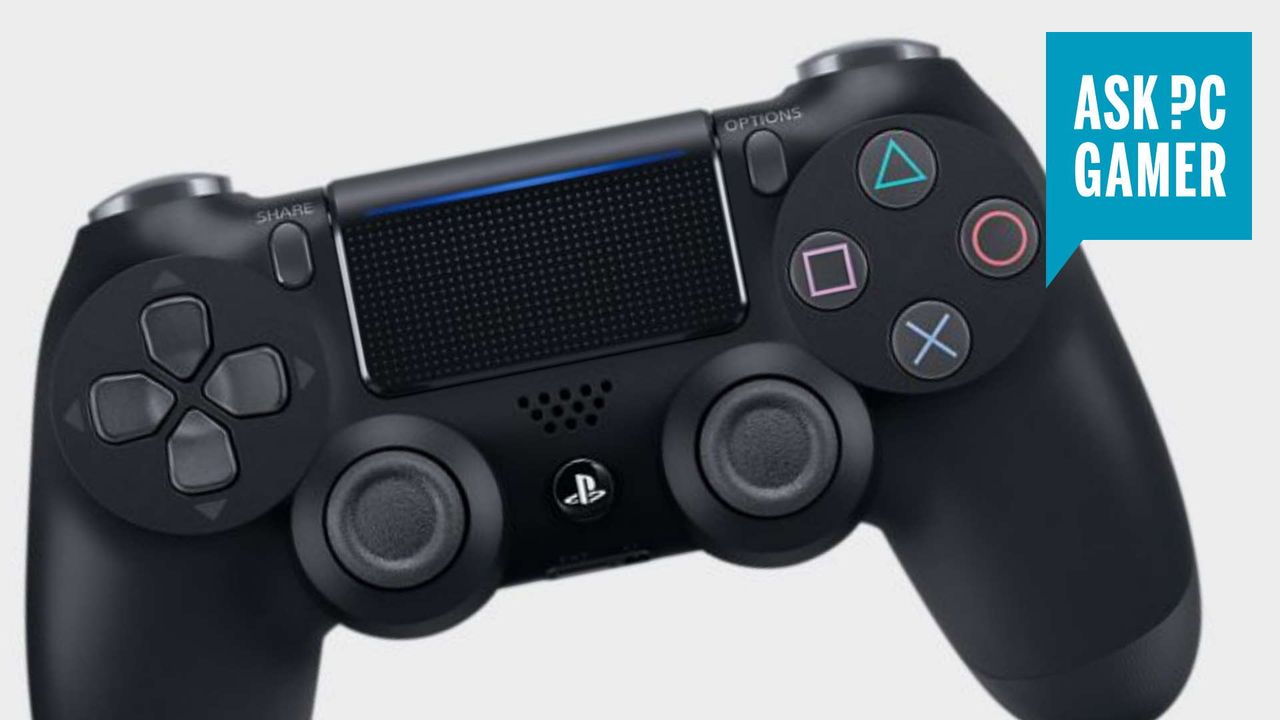
When the PlayStation 4 launched in 2013, I was shocked to find how much I liked its reworked DualShock 4 controller. Did I like it even more than the trusty Xbox pad I'd been using for years and years? On PC not quite, because Microsoft's own controller was so easy to use. But it didn't take long for the PC to get great support for the DualShock 4. Now, thanks to Bluetooth connectivity and Steam, connecting a PS4 controller to PC and jumping into a game takes just seconds.
The DualShock 4 is still a comfortable, responsive controller, and there are reasons to keep one around: It's both lighter and smaller than the PS5 controller, which makes it an enduring favorite for some of us at PC Gamer. The design is a little bland compared to the PS5's DualSense controller with its sleek curves and adaptive triggers, and modern third-party controllers now have more reliable Hall Effect or TMR analog sticks. But if you already have a DualShock 4? Sometimes the best controller is just the one that's most convenient.