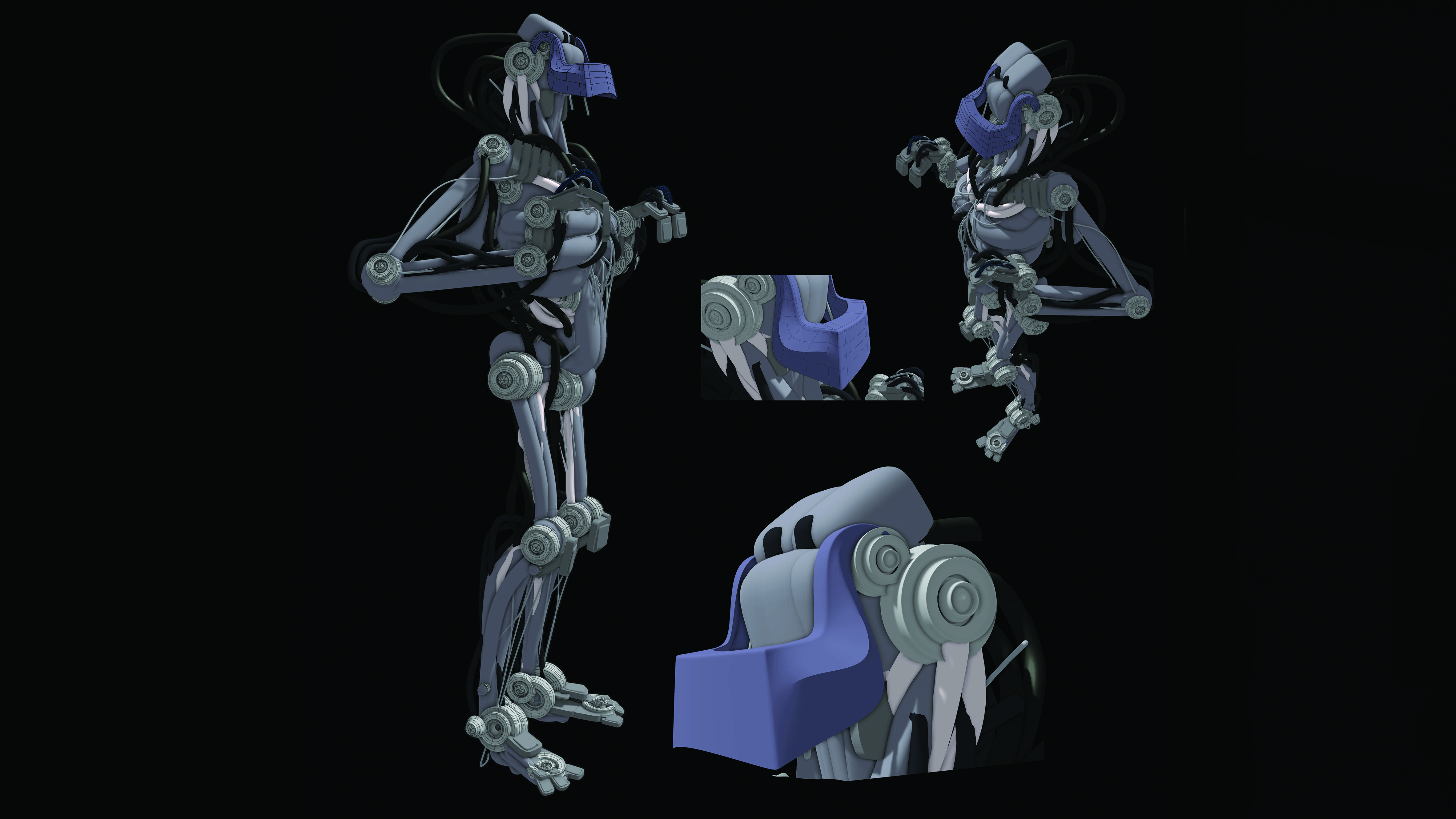
Use more loops
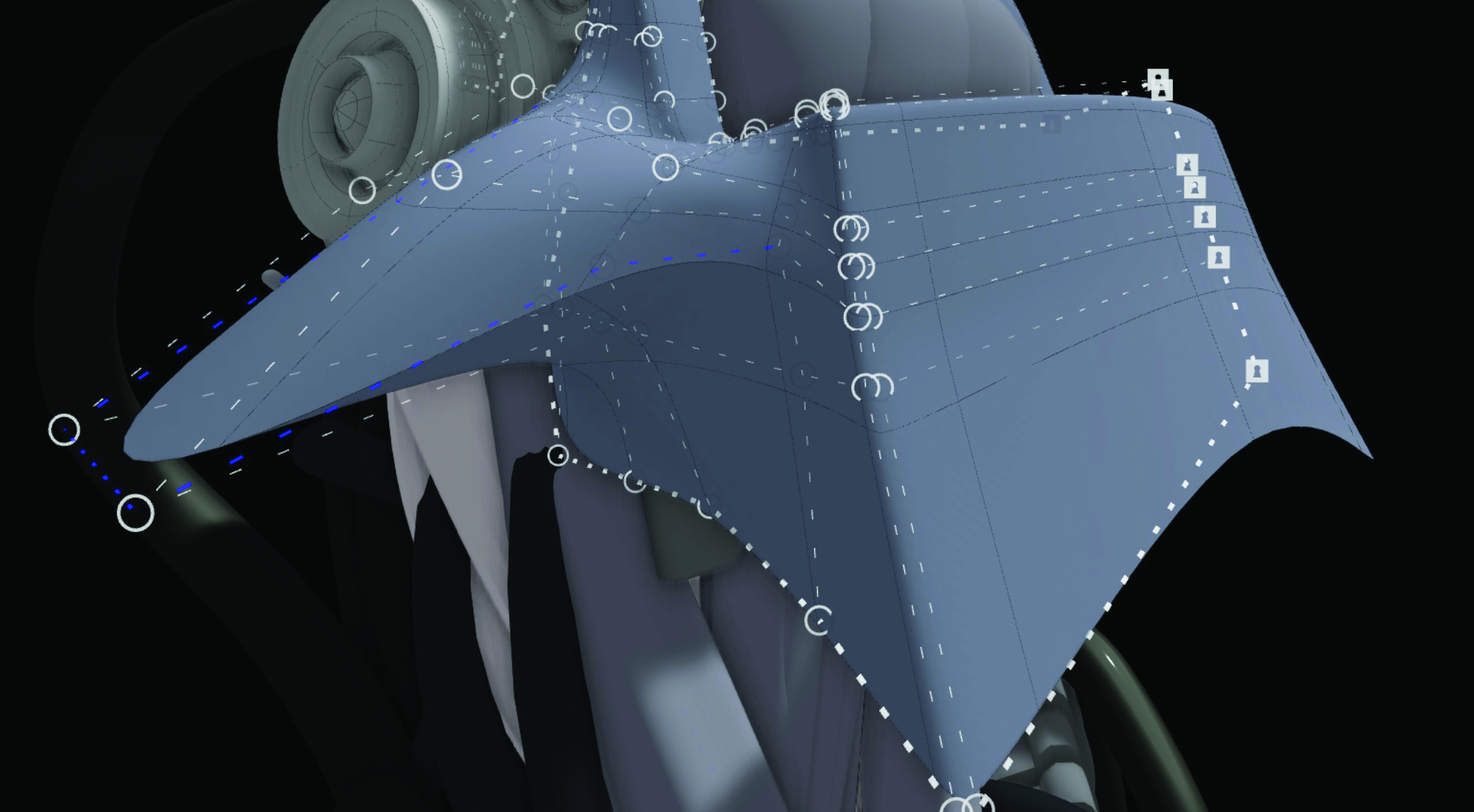
Getting crazy shapes is easy with creasing, and all without adding too many polygons. Add more loops as needed and you can then adjust the points to create your more complex shapes. Also add in any extra creasing if required.
Gravity Sketch is now well embedded into the design world, especially among footwear and automotive designers. It’s a 3D virtual reality app for modelling and visualisation that evolved from humble beginnings on the iPad. The developers took a gamble and jumped into VR fairly early on, and made a version of Gravity Sketch for the HTC Vive and the original Oculus Quest (now Meta Quest).