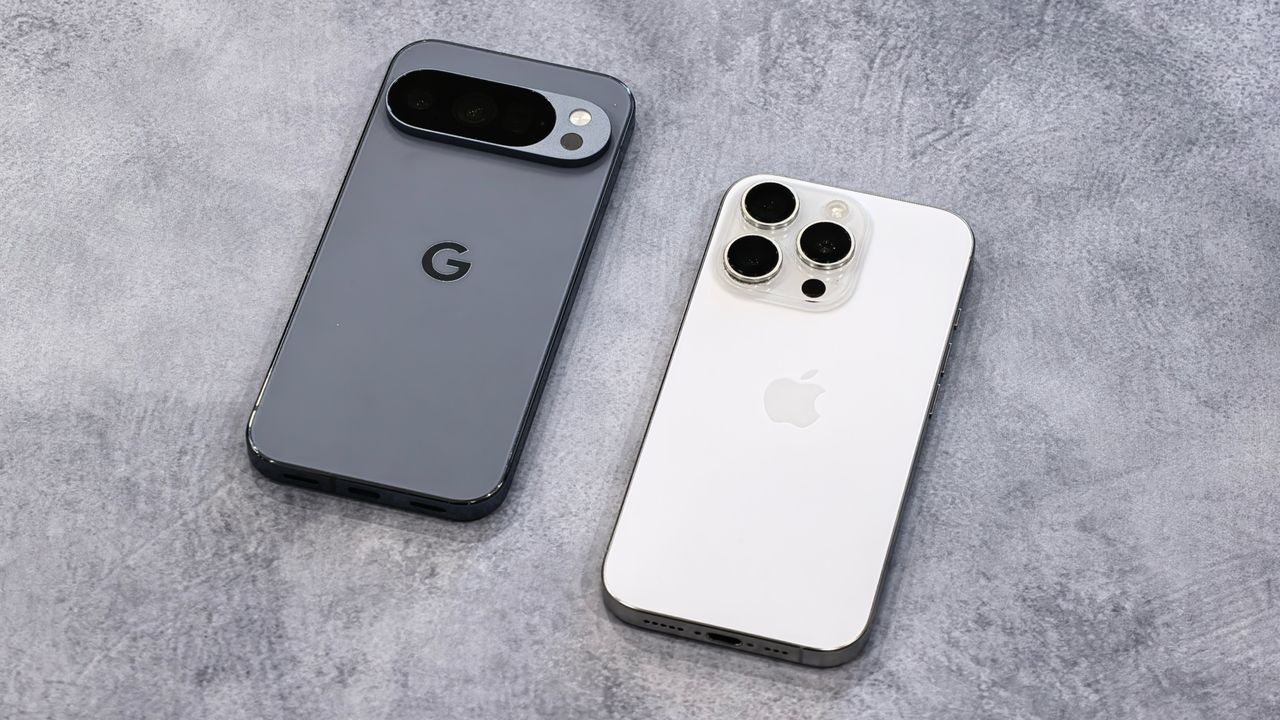
One of the worst parts of the Android/iPhone divide is the difficulty in sharing files. While Apple has recently started opening up its ecosystem, for example, allowing seamless texting from an iPhone to an Android device using RCS messaging, the lack of support for sending images, PDFs or other items from one ecosystem to the other remains after all these years.
Instead, users have had to rely on third-party services like cloud storage or encrypted messaging apps, or even physical storage methods like USB pen drives and external hard drives to transfer data from one device to another.