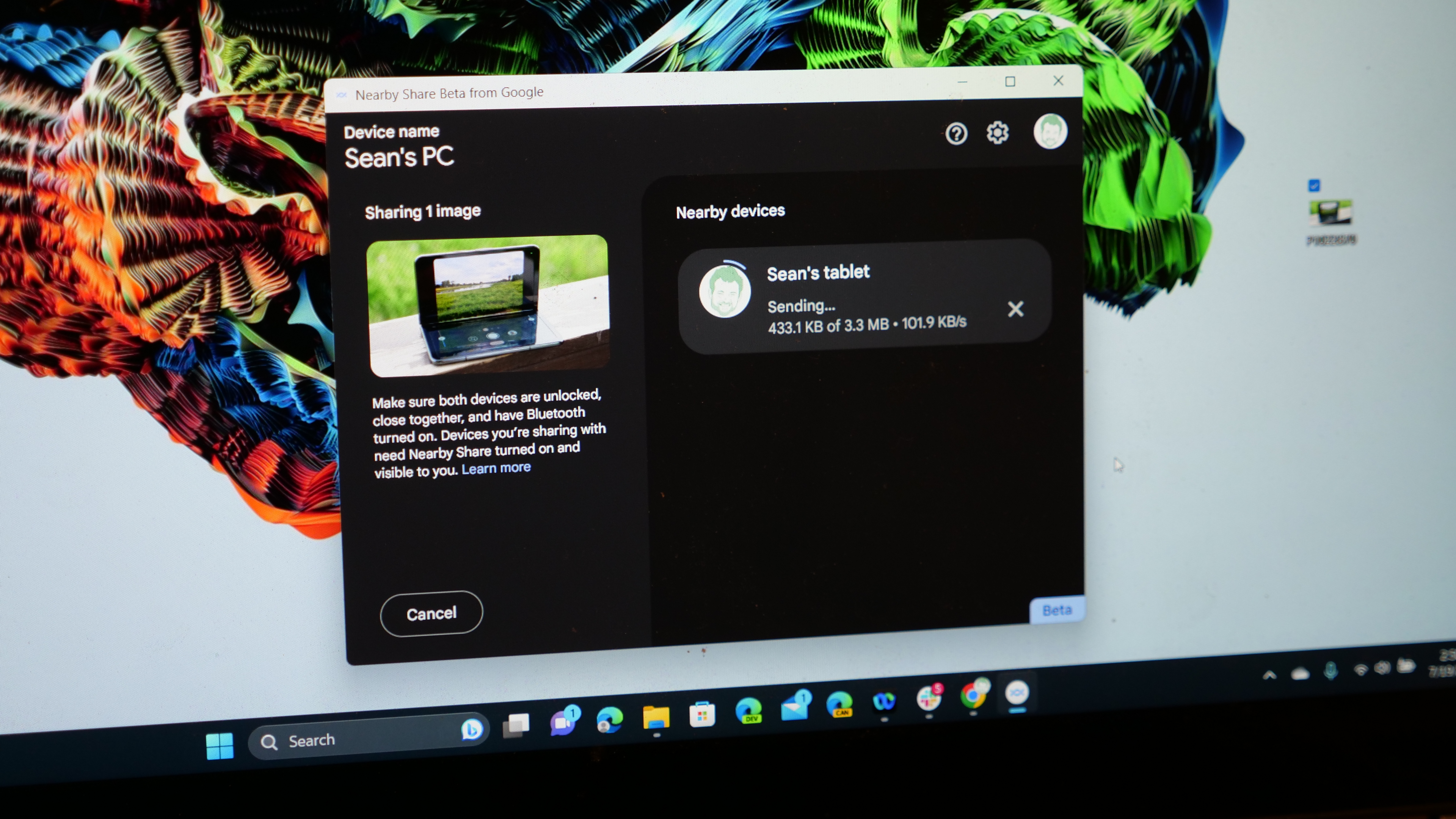
After a 3-month beta process that saw it used by 1.7 million people to transfer more than 50 million files; Google's Nearby Share for Windows app is officially available. If you are wondering how to use Nearby Share for Windows, then you are in the right place and the good news is that it is quick and easy to set up and even easier to use.
If you aren't sure what Nearby Share for Windows is, don't worry we've got you covered there too. Nearby Share is a wireless file transfer app to send photos, videos, or whatever kind of file you like between your Android or ChromeOS device and a Windows laptop or desktop. This is Google's answer to AirDrop in the Apple ecosystem.