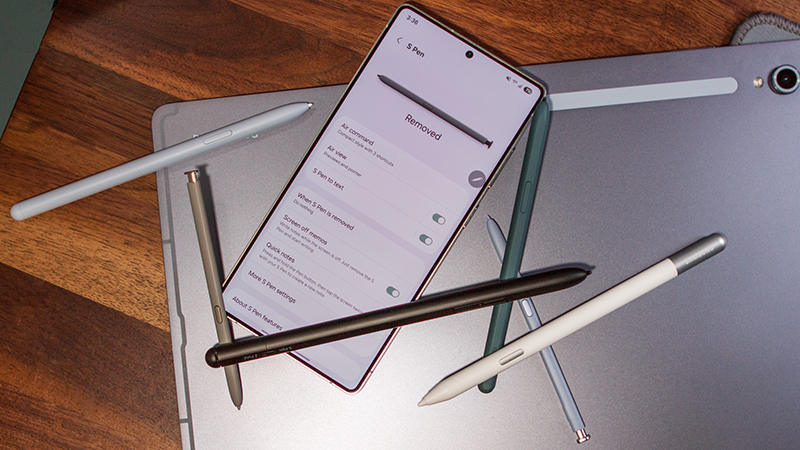
If you have a Samsung Galaxy phone or tablet that supports the Samsung S Pen, you will probably find that it’s a useful tool. Ideal for jotting down notes, sketching, or even simply more comfortable navigation than using your finger, it’s a handy tool for both work and play.
Samsung’s S Pens are among the best styli you can buy, but what if you want to use multiple S Pens on your device? Maybe you have an old one lying around that you want to keep at home while your new one stays at the office. Or perhaps you want to swap among multiple S Pens as needs require or to ensure you always have one ready to go if the other’s battery is dead.