
Get all your news in one place.
100's of premium titles.
One app.
Start reading
Android Central
Android Central
Technology
Nicholas Sutrich

How to use Multi Control with Samsung Galaxy devices

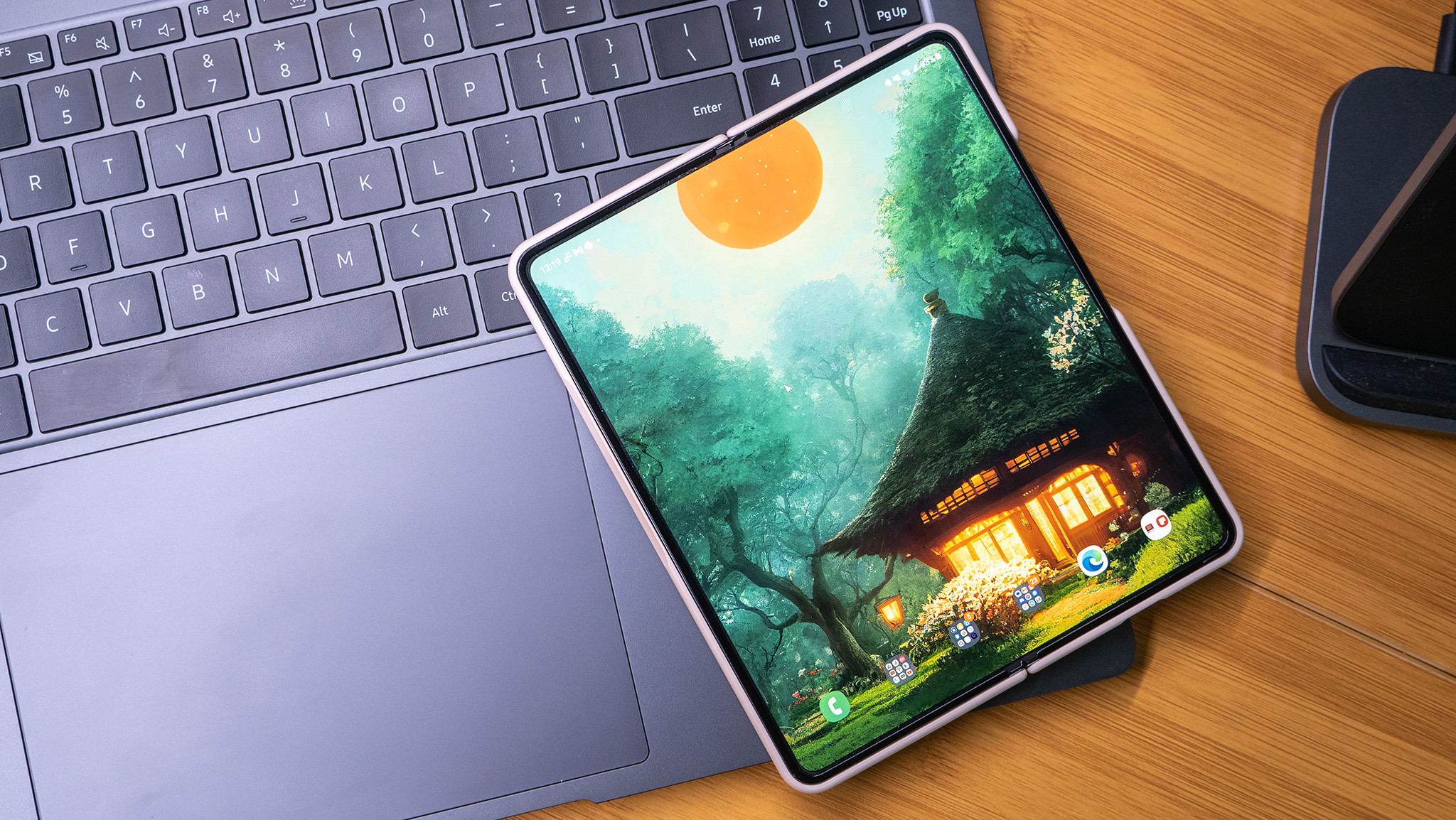
A Samsung Galaxy Z Fold 4 unfolded showing a Backdrops wallpaper on the homescreen, resting on the keyboard of a Galaxy Book 3 Ultra

Have you ever been using your computer and thought "gee, I wish I could just use my mouse and keyboard on my phone at the same time as my PC"? Thankfully, the engineers at Samsung had this same thought and created MultiControl, an easy way to use your mouse and keyboard seamlessly with your phone and PC at the same time.

But, there's a catch. To use this feature you'll need both a great Samsung phone and a Samsung Galaxy laptop that supports MultiControl. For this tutorial, I'm using a Galaxy Z Fold 4, Galaxy S23 Ultra, and a Galaxy Book 3 Ultra laptop.

Sign up to read this article
Read news from 100's of titles, curated specifically for you.
Already a member? Sign in here
Related Stories
Top stories on inkl right now
One subscription that gives you access to news from hundreds of sites
Already a member? Sign in here
Our Picks
Fourteen days free
Download the app
One app. One membership.
100+ trusted global sources.


