Get all your news in one place.
100's of premium titles.
One app.
Start reading
Android Central
Android Central
Technology
Brady Snyder

How to use Gemini Live's camera and screen sharing features

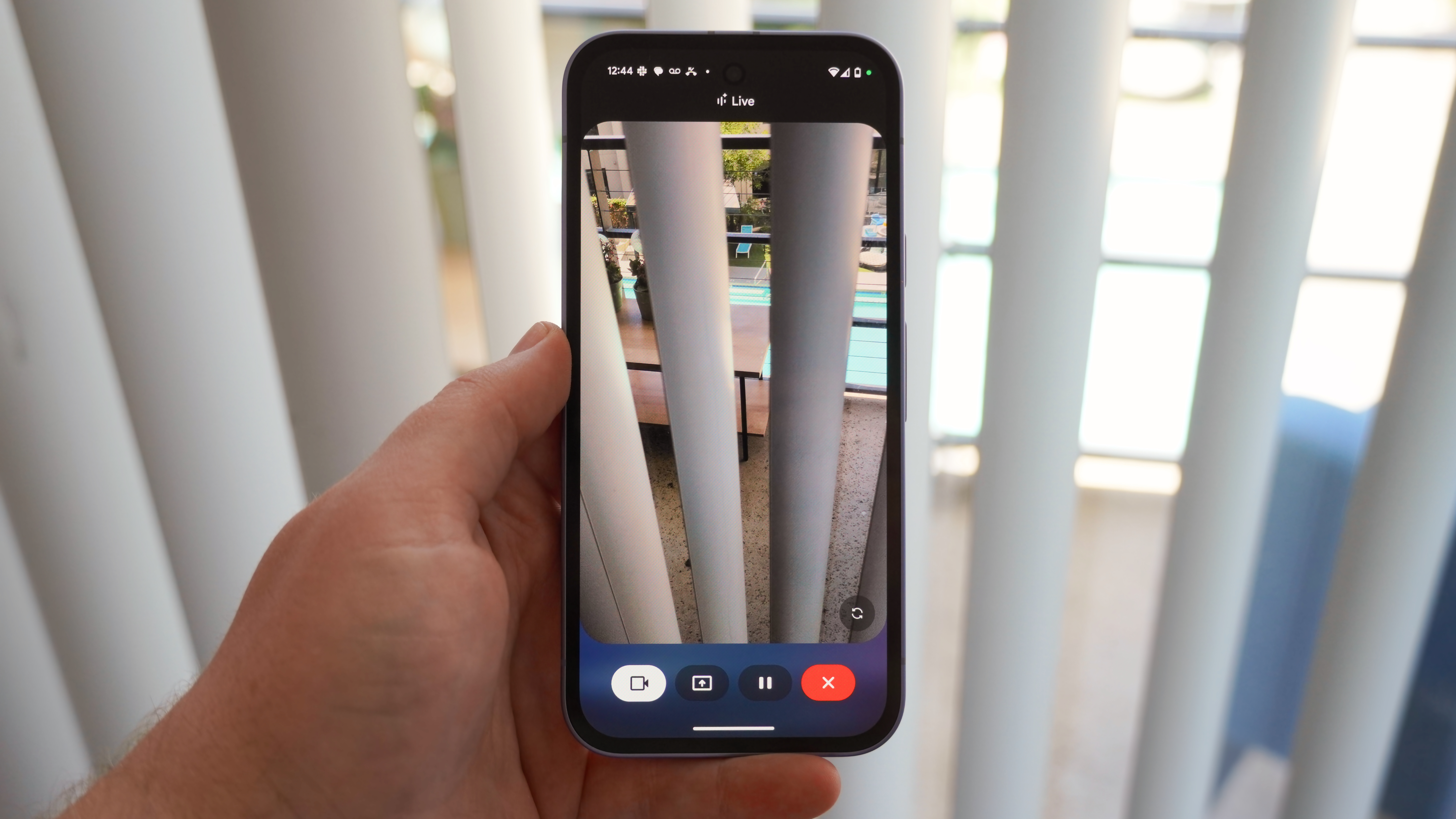
The Gemini Live video streaming on the Pixel 9a.

Gemini Live started out as a voice-based AI assistant, but recently gained multimodality with new support for camera feed and screen sharing inputs. That means you can talk with Gemini conversationally while also adding visual details for context. Best of all, it'll work on virtually any Android phone, so long as you have a Google One AI Premium subscription.

If you're curious about sharing your screen or live camera feed with Gemini or want to get an idea of when multimodal Gemini Live might come in handy, this guide has you covered.

Sign up to read this article
Read news from 100's of titles, curated specifically for you.
Already a member? Sign in here
Related Stories
Top stories on inkl right now
One subscription that gives you access to news from hundreds of sites
Already a member? Sign in here
Our Picks
Fourteen days free
Download the app
One app. One membership.
100+ trusted global sources.