Get all your news in one place.
100's of premium titles.
One app.
Start reading
Tom’s Guide
Tom’s Guide
Technology
Kaycee Hill

How to use every iPhone camera mode to take better photos

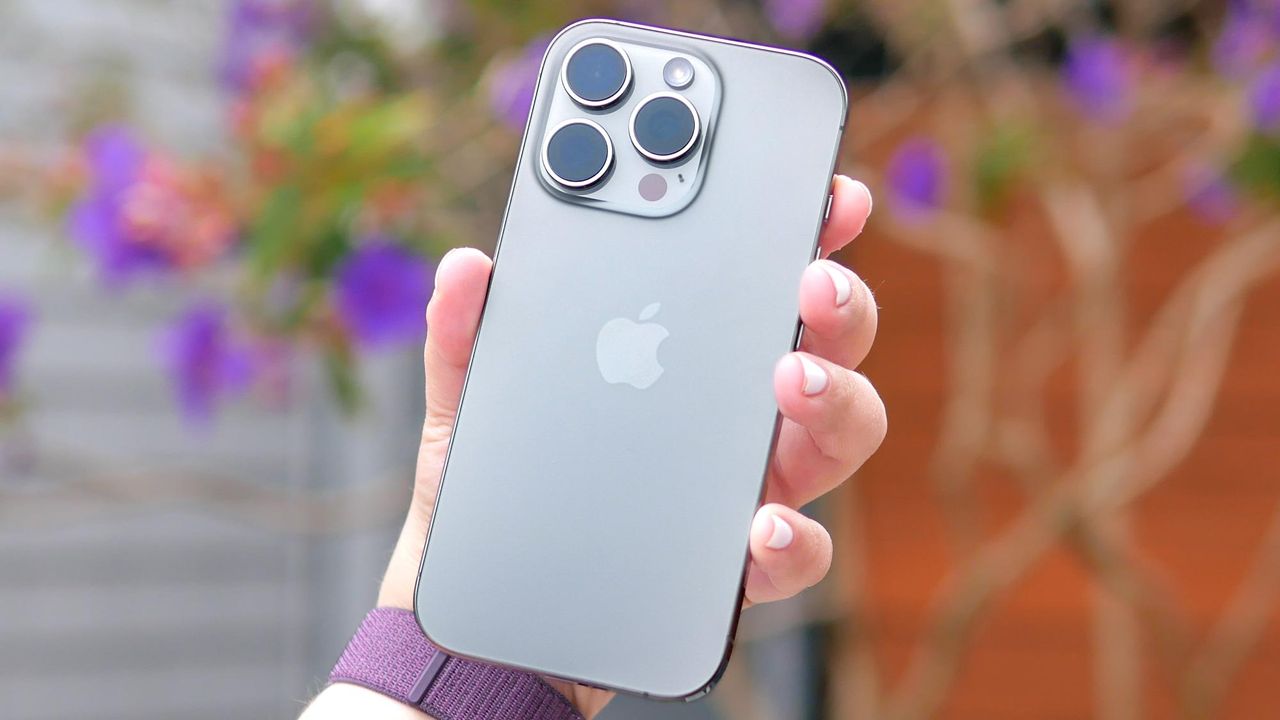
IPhone 16 Pro shown held in hand.

I've been using an iPhone for years now, and I still catch myself defaulting to the standard Photo mode for everything. Landscapes, portraits, group shots — all Photo mode, all the time. Turns out I've been ignoring a handful of specialized shooting modes that actually make a difference.

Your iPhone's Camera app includes several distinct modes designed for specific situations. Each mode has its own quirks and ideal use cases. Once you understand what they're designed for and how they work, you'll be able to take better quality photos.

Sign up to read this article
Read news from 100's of titles, curated specifically for you.
Already a member? Sign in here
Related Stories
Top stories on inkl right now
One subscription that gives you access to news from hundreds of sites
Already a member? Sign in here
Our Picks
Fourteen days free
Download the app
One app. One membership.
100+ trusted global sources.