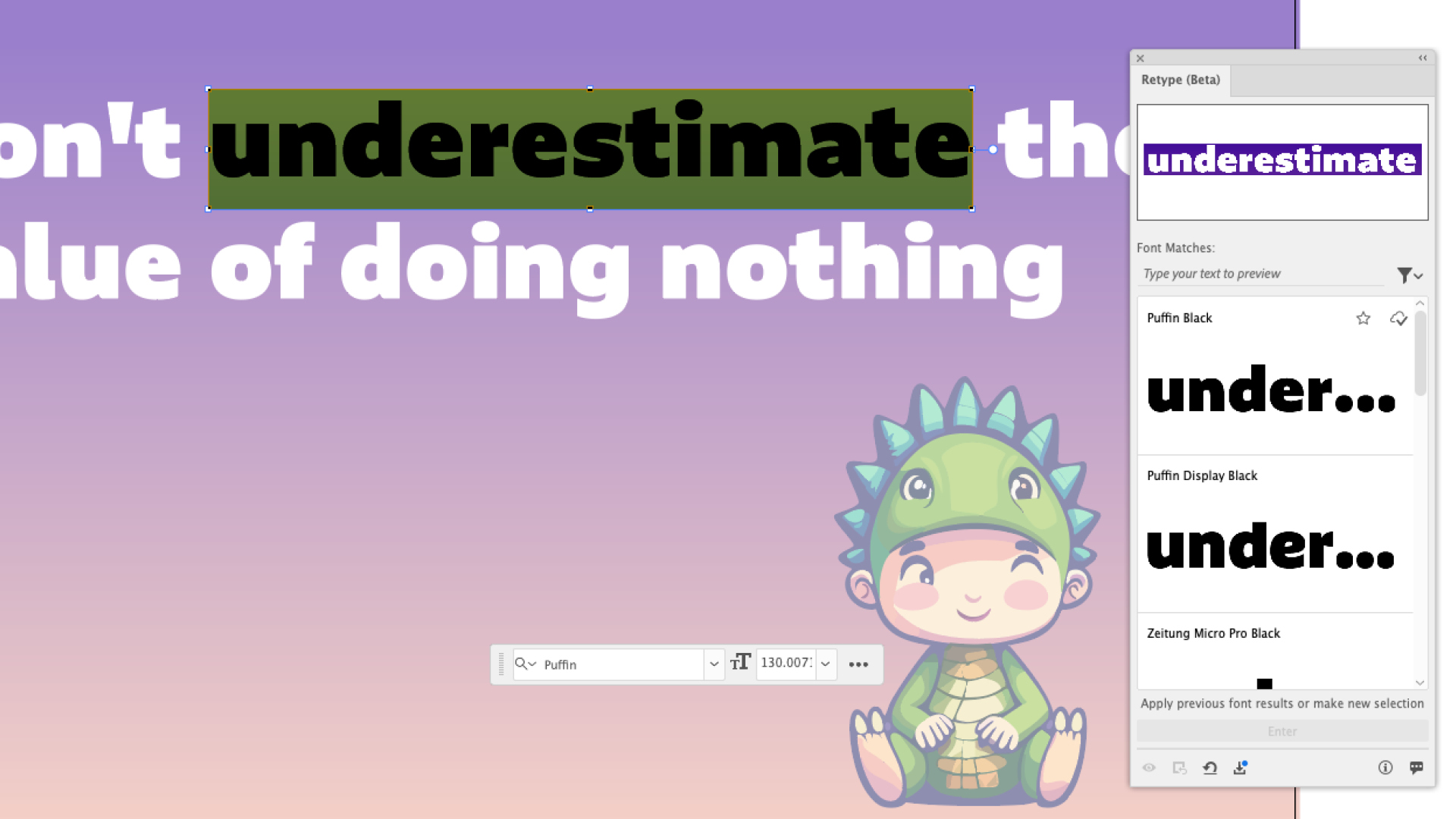
Retype allows you to identify an outlined font in a static graphic and convert it into editable text. It searches Adobe Fonts as well as the font set on your own computer. While it doesn't always find the perfect match, it offers many similar fonts that might work just as well.
This is a brilliant way to try out different typography easily, but also to find exactly the right style you've been looking for. There's nothing worse than trawling through banks to find the perfect typeface only to realise that it isn't available to you – this cuts this process out and saves you time.