Chromebooks make life easy, and they are super affordable, but Chrome OS isn't as easy to manoeuvre as a regular old Windows or macOS computer. If you've got yourself a spanking new Chromebook or ChromeOS device, you'll want to learn a few things.
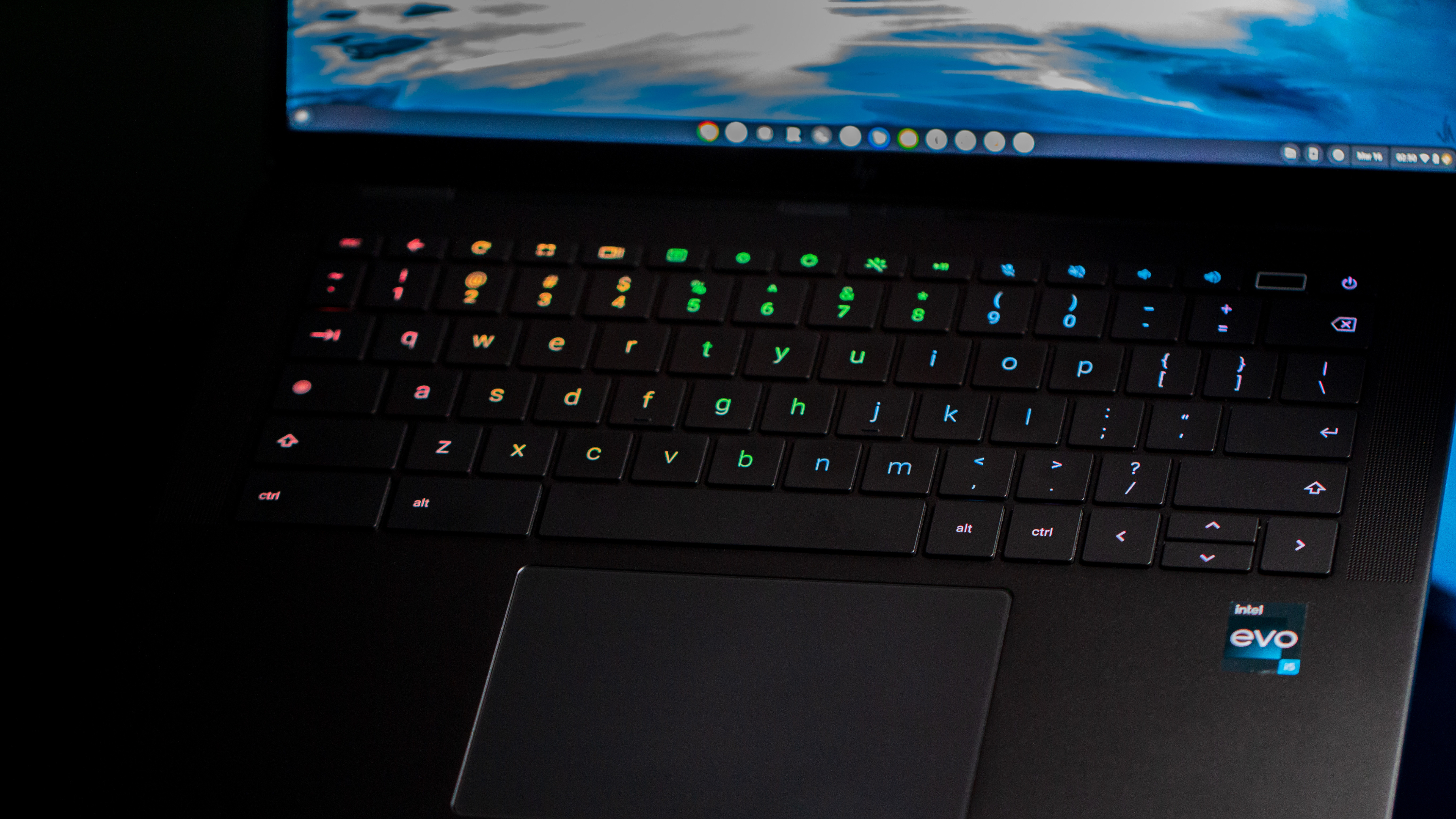
Besides learning how to take a screenshot and set up Smart Lock on a Chromebook, the keyboard has a learning curve too. Save yourself some time and pick up how to type special characters and symbols on a Chromebook. Here's how you can do just that.