Get all your news in one place.
100’s of premium titles.
One app.
Start reading
GamesRadar
GamesRadar
Technology
Grace Dean

How to transfer your Animal Crossing New Horizons island from Switch 1 to Switch 2

Animal Crossing: New Horizons.

Moving your Animal Crossing: New Horizon save from Switch 1 to Switch 2 is, fortunately, pretty simple. But, you have to make sure you follow the steps otherwise you could risk losing your entire island, your villagers, and the hundreds (nay, thousands) of hours you've spent building up your game.

Before you follow along with the steps below though, it's important to mention that once you've done this process, you'll no longer be able to access your island on the Switch 1. So, make sure you're happy to pack up and get moving. Oh, and if you're moving over any Animal Crossing: New Horizons Happy Home Paradise DLC content, make sure you've downloaded it on your Switch 2 first if you want to access it. Right, let's get into it.
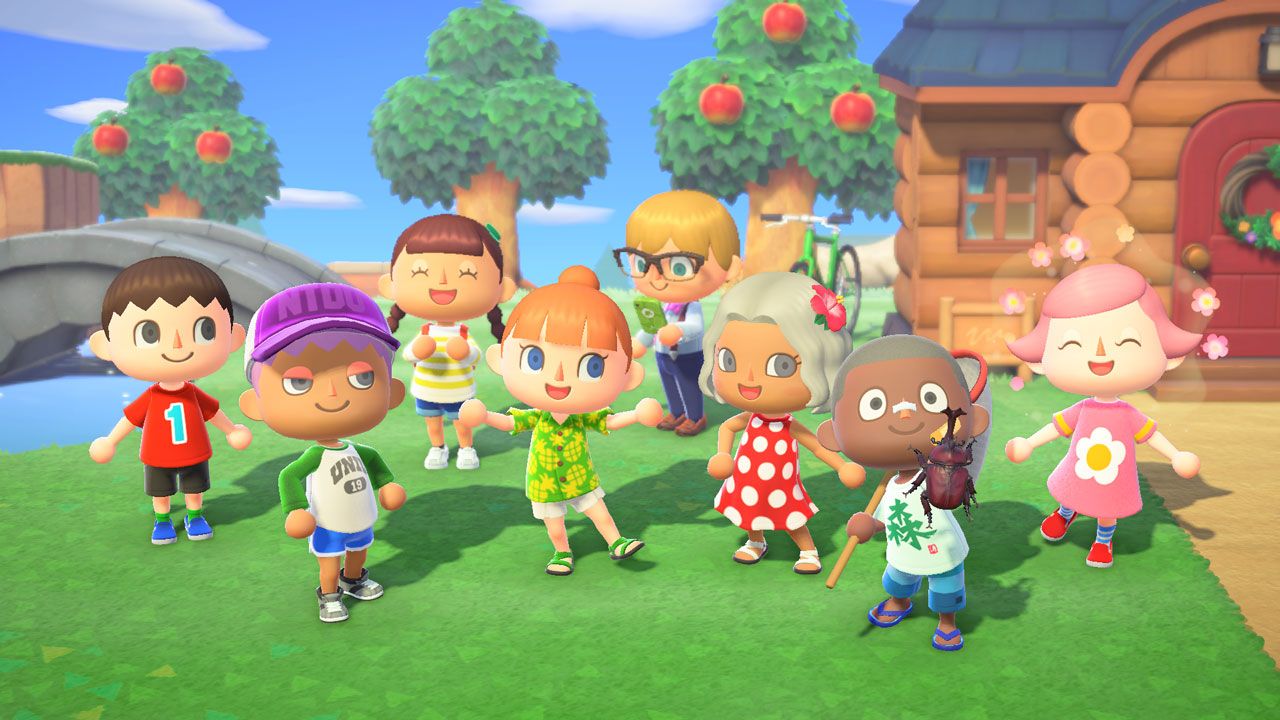
How to transfer your ACNH save from Switch 1 to Switch 2

(Image credit: Nintendo)
  1. Turn flight mode off on both consoles and ensure Wi-Fi is enabled on both consoles.
  2. Transfer save data from Switch 1 to Switch 2 using the built-in System Transfer feature (this will appear when setting up Switch 2, or go to System Settings > System > System Transfer to Switch 2).
  3. Make sure Animal Crossing: New Horizons is downloaded and fully updated on both consoles.
  4. Download the Island Transfer Tool from the Nintendo eShop on both consoles.
  5. Link your Nintendo account between both consoles.
  6. Open the Island Transfer Tool on each console.
  7. Follow the on-screen instructions.
  8. On the Nintendo Switch 1, select Source.
  9. On the Nintendo Switch 2, select Target.
  10. When the Nintendo Switch 1 detects the Switch 2, select transfer data.
  11. On the Nintendo Switch 2, select proceed.
  12. When the transfer is complete, a message will appear on both consoles to let you know it's done.

For transferring other data, games, and accounts between Nintendo Switch consoles, you can also check out our guide on how to transfer games to Switch 2 from Switch 1.

And with that, your ACNH island will now be accessible on your Switch 2. If you're picking up the game for the first time in a while, our Animal Crossing New Horizons tips should serve as a good refresher.

Otherwise, if you're picking up where you left off, you might want to finish off your Animal Crossing New Horizons fish collection or your Animal Crossing New Horizons bugs exhibit in your museum. Alternatively, if neatening up your home is a priority, make sure you know how to improve your Animal Crossing: New Horizons island rating.

© GamesRadar+. Not to be reproduced without permission.

Sign up to read this article
Read news from 100’s of titles, curated specifically for you.
Already a member? Sign in here
Related Stories
Top stories on inkl right now
One subscription that gives you access to news from hundreds of sites
Already a member? Sign in here
Our Picks
Fourteen days free
Download the app
One app. One membership.
100+ trusted global sources.