
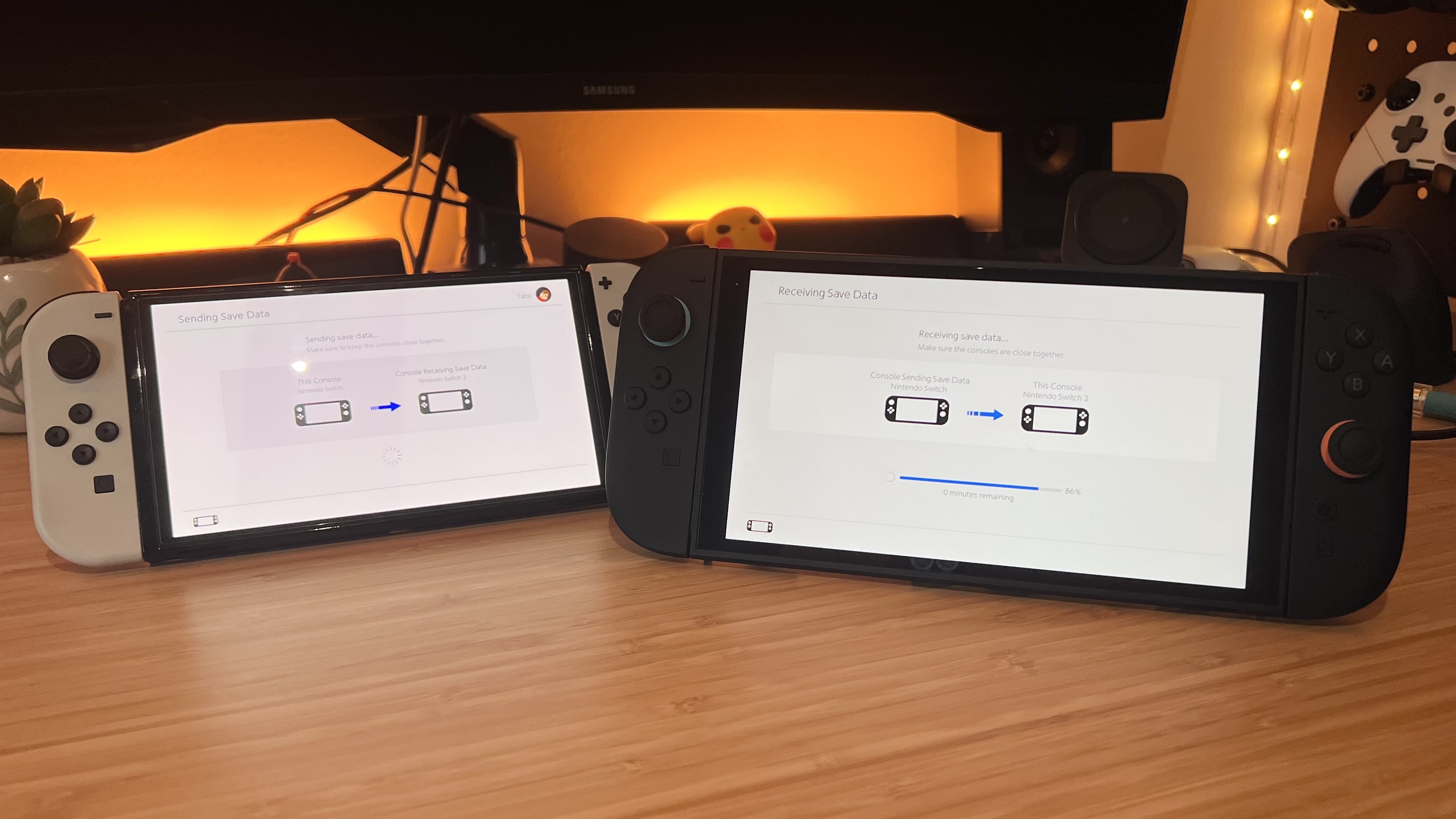
The Nintendo Switch 2 is finally here, and if you want to get all your precious data onto your brand-new handheld, it's time to perform a Nintendo system transfer. Everything from the users on your original Switch, your save data, screenshots and videos, system settings, and even parental controls can be moved from your older handheld to the Switch 2.
Transferring all those years' worth of Nintendo gaming memories is pretty easy to do, but there are two methods you need to choose from. If you still have your older original Switch at hand, you can transfer your data over local communication, which relies on both consoles being closer to each other and on the same Wi-Fi connection.
Alternatively, you can perform a system transfer using Nintendo's online server, which is the only choice if you got rid of your Ninty handheld - and made sure to back up beforehand.
To ensure you get all your precious digital games, save data, screenshots, video clips, and more onto the Switch 2 without any issues, I've outlined how to transfer your Nintendo Switch save data to Nintendo Switch 2 below. Just make sure both devices are charged before you get started.