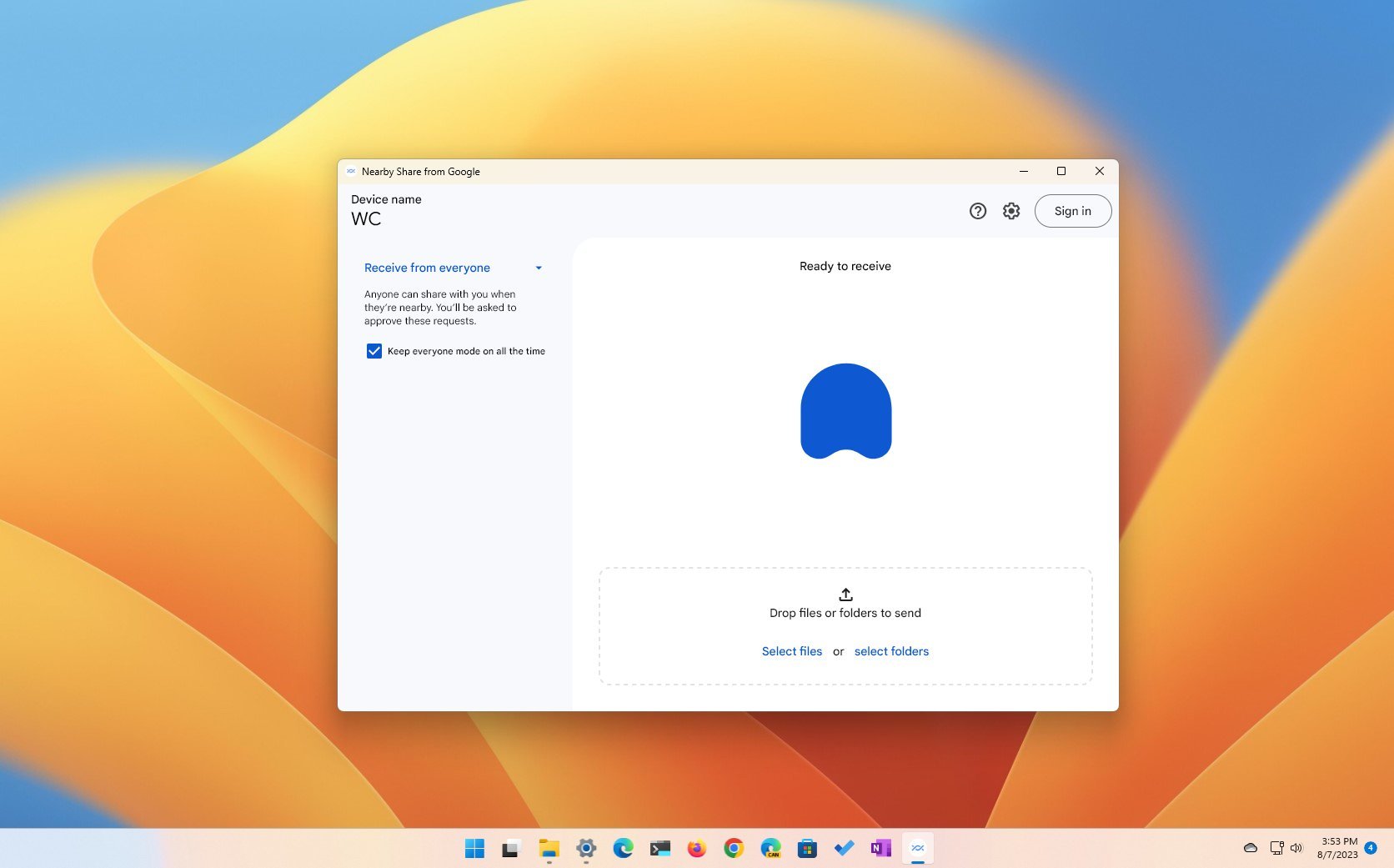
If you use an Android phone, you can use Google's Nearby Share feature to share files (photos, documents, and videos) between different devices. However, until recently, you could only use the feature with other Android phones, tablets, or Chromebooks, but now, Google has made the feature available for Windows 11 (and 10) users.
The support can be added to any device running Windows 11 (or 10) using the Nearby Share from Google app. (You shouldn't confuse the "Nearby Share from Google" with "Nearby Sharing" on Windows 11.) Once you install the application, you can wirelessly share files (and even folders) from your computer to your phone. Sharing content with family and friends available in your contacts is also possible.