Get all your news in one place.
100's of premium titles.
One app.
Start reading
Tom’s Guide
Tom’s Guide
Technology
David Crookes

How to transfer files from an iPhone to Mac — every method explained

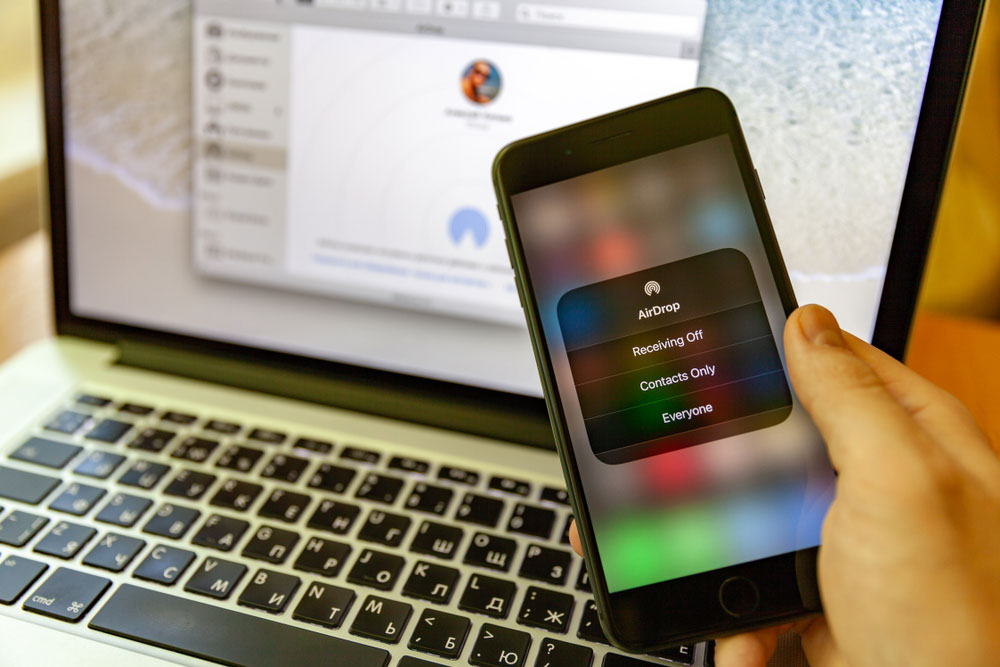
AirDrop settings on an iPhone with a MacBook in the background.

Your iPhone is essentially a pocket computer and it’ll end up being packed with files whether they’re photos, documents, audio, video and more. At some point, you may want to transfer some of those files to your Mac.

While you could use clunky methods like emailing files to yourself or sending them through Messages, there are some slicker solutions, as we’re about to see. One of these is a more recent addition: the ability to mirror your iPhone in a window on your Mac.

Sign up to read this article
Read news from 100's of titles, curated specifically for you.
Already a member? Sign in here
Related Stories
Top stories on inkl right now
One subscription that gives you access to news from hundreds of sites
Already a member? Sign in here
Our Picks
Fourteen days free
Download the app
One app. One membership.
100+ trusted global sources.