
Get all your news in one place.
100's of premium titles.
One app.
Start reading
Laptop
Laptop
Technology
Momo Tabari

How to take screenshots on the Asus ROG Ally

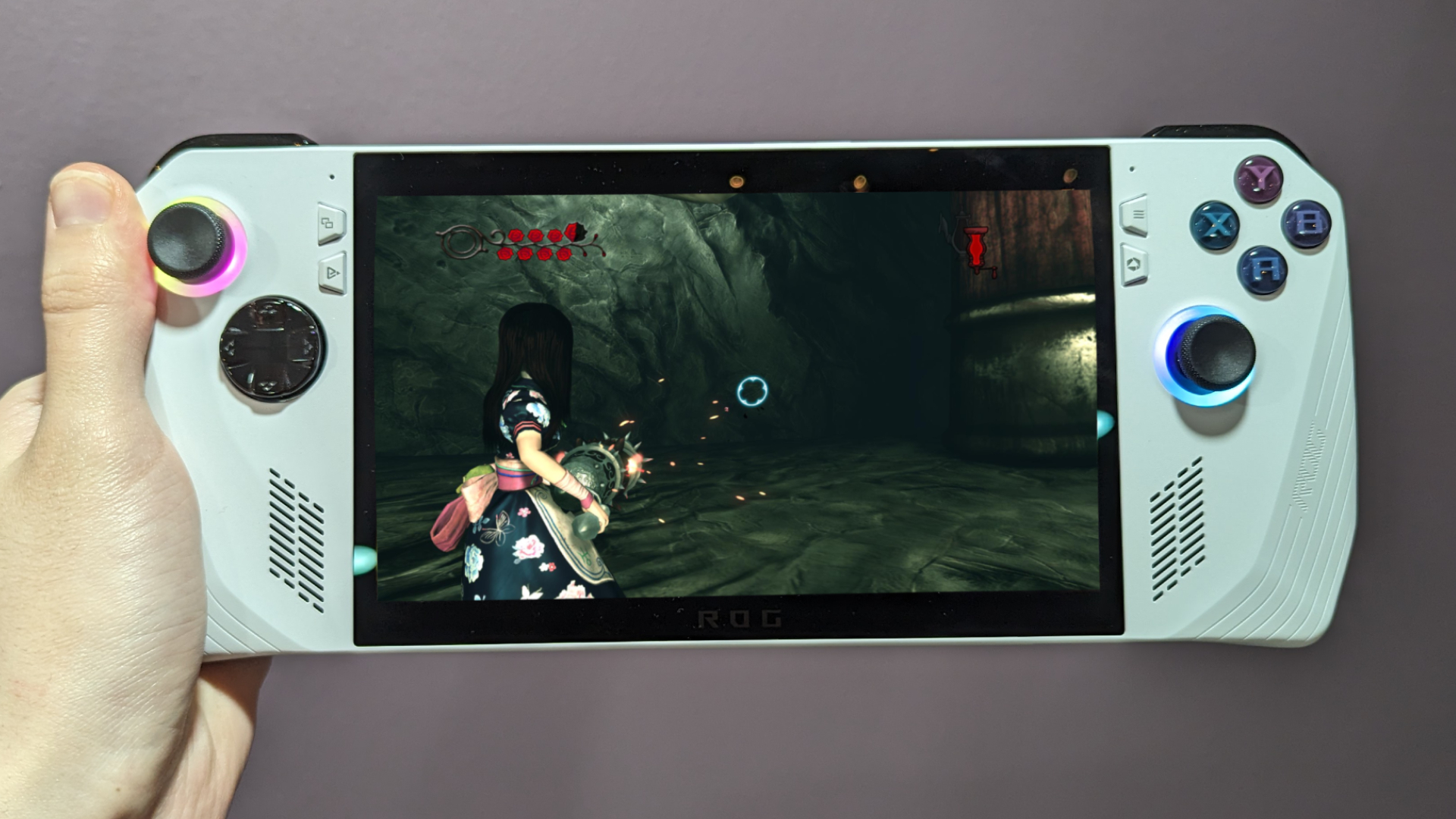
Asus ROG Ally.

Since the Asus ROG Ally is a Windows machine, you might think you have to go out of your way to install a third-party application to take screenshots on the device. I cannot deny I fell prey to this same assumption, but thanks to the benefits of its seamless integration with Armoury crate, it's far easier than you think.

Taking screenshots on the Asus ROG Ally is as simple as pressing two buttons at once, so here's how to do so and where to access those images afterwards.

Sign up to read this article
Read news from 100's of titles, curated specifically for you.
Already a member? Sign in here
Related Stories
Top stories on inkl right now
One subscription that gives you access to news from hundreds of sites
Already a member? Sign in here
Our Picks
Fourteen days free
Download the app
One app. One membership.
100+ trusted global sources.