Get all your news in one place.
100's of premium titles.
One app.
Start reading
Windows Central
Windows Central
Technology
Jennifer Young

How to take a screenshot on Steam Deck in Desktop mode

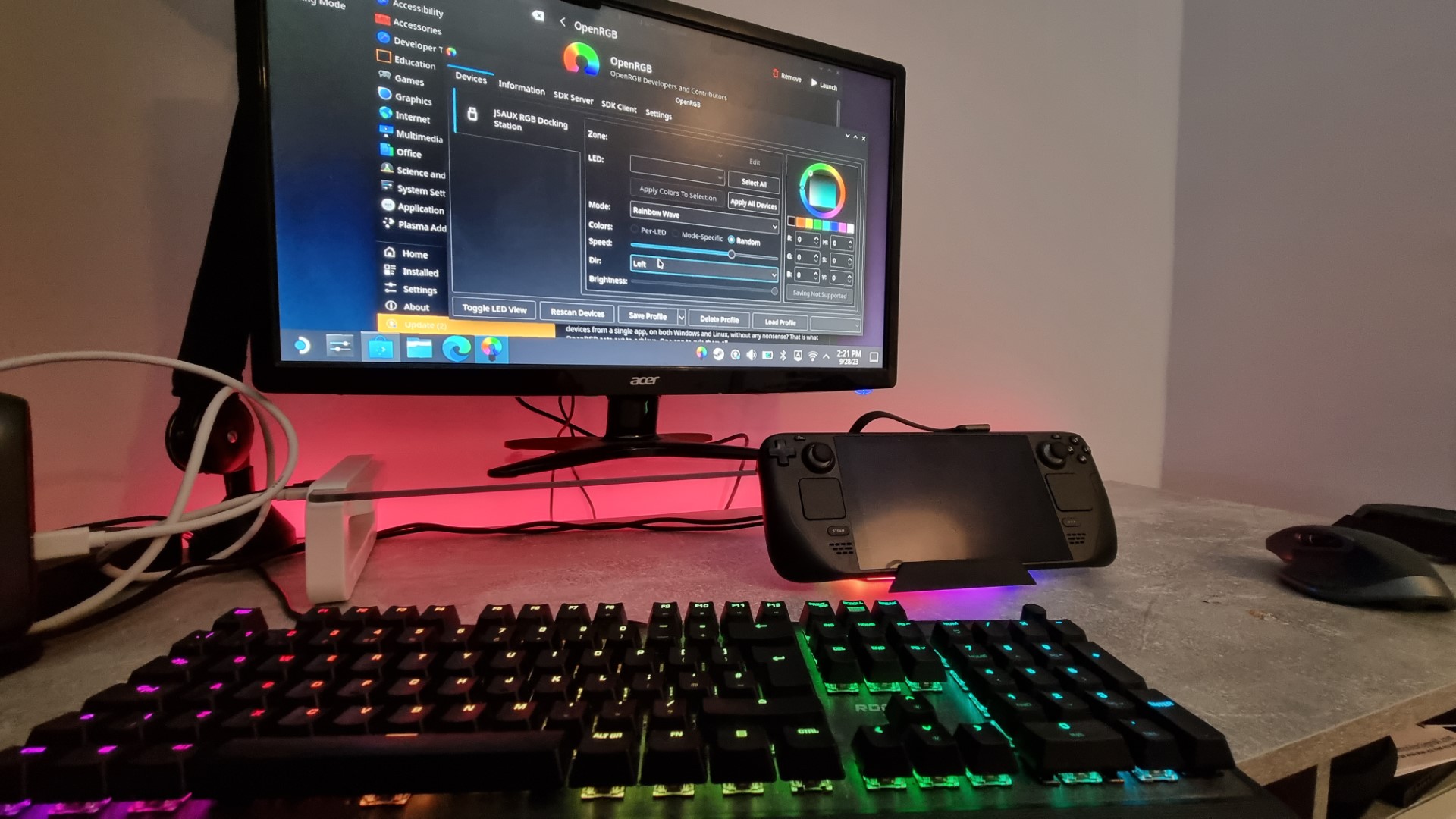
Steam Deck in Desktop Mode.

Taking a screenshot on any device should be a relatively painless processHowever, on the Steam Deck, particularly in Desktop Mode, the process isn't as intuitive as it ought to be. I've frequently found myself resorting to the cumbersome method of snapping a photo of the screen to demonstrate Steam Deck settings, but I've finally learned how to take a basic screenshot while the Steam Deck is in Desktop mode and/or docked, and now I'll share it with you too. 

How can I take screenshots on the Steam Deck in Desktop mode?

Sign up to read this article
Read news from 100's of titles, curated specifically for you.
Already a member? Sign in here
Related Stories
Top stories on inkl right now
One subscription that gives you access to news from hundreds of sites
Already a member? Sign in here
Our Picks
Fourteen days free
Download the app
One app. One membership.
100+ trusted global sources.