
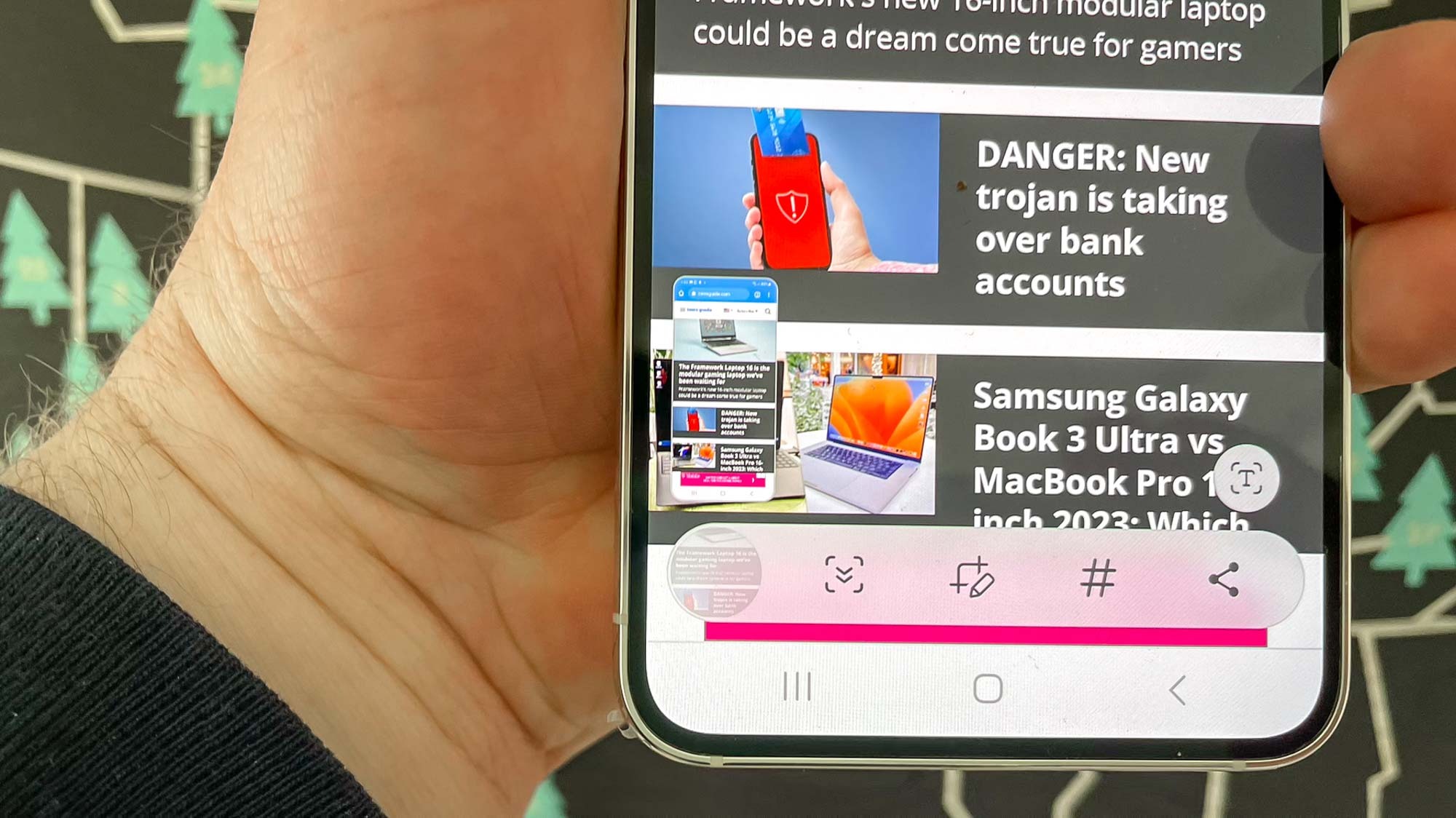
Knowing how to take a screenshot on the Galaxy S23 can come in handy in a variety of situations. If there's a headline, note, tweet or image you want to save, you can capture it with a screenshot. You can also use screenshots when troubleshooting someone's phone remotely, to show them where on the screen they should be tapping. And yes, screenshots are essential for how-tos like this one.
The good news is that taking a screenshot on any of the three Galaxy S23 models is very simple — and the main method is no different from how you captured screenshots on previous Galaxy phones. In fact, you're using the same buttons to take screenshots on the Galaxy S23 as you did dating back to at least the Galaxy S8.




