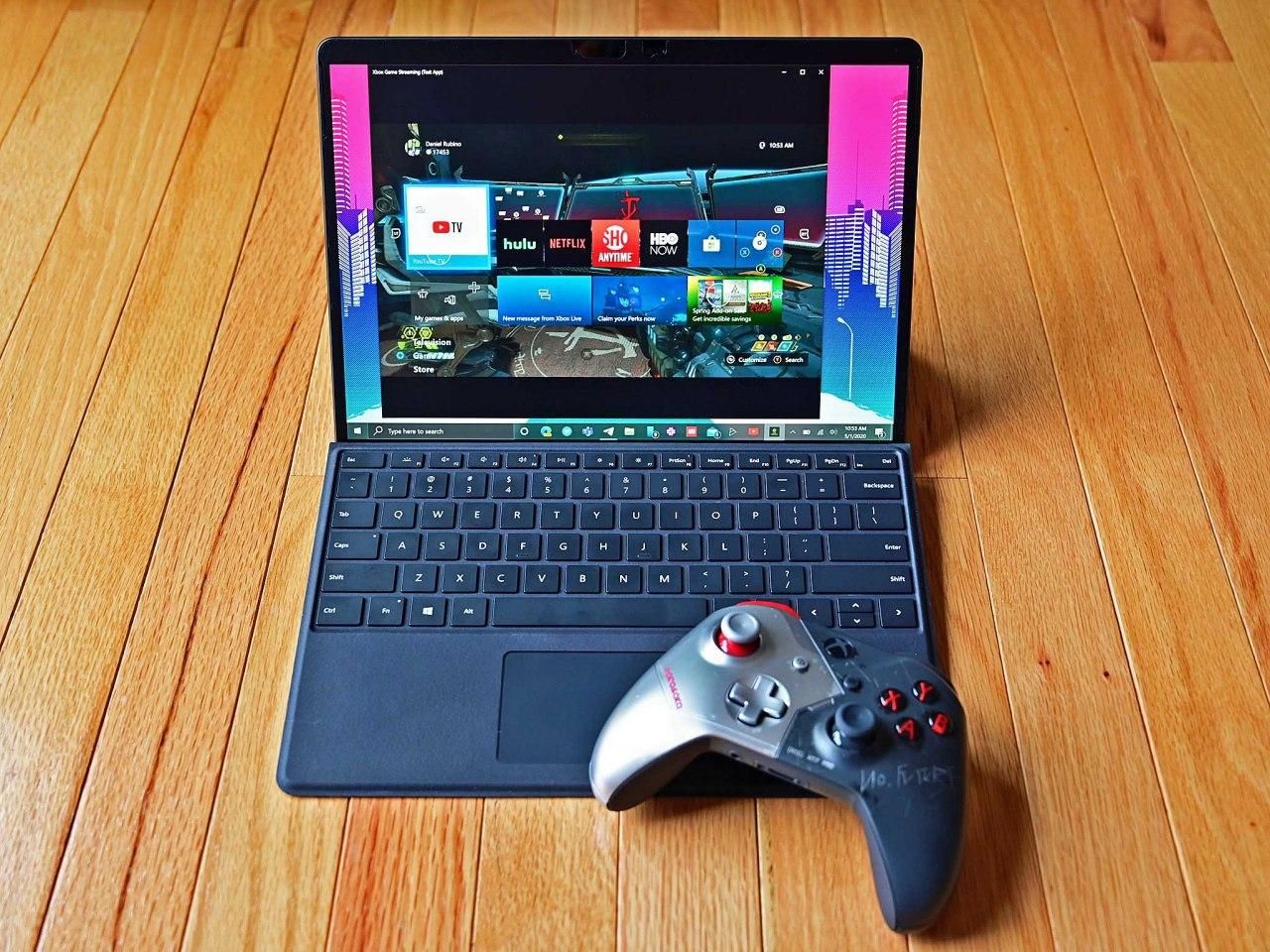
On Windows 10 (and 11), certain modern games (for example, Battlefield 6 and Call of Duty: Black Ops 7) now require Secure Boot and TPM 2.0 to be enabled because of anti-cheat protections. The only caveat is that these features can only be turned on if your computer supports Unified Extensible Firmware Interface (UEFI), not the older legacy BIOS firmware.
If you are running Windows 11, this should not be a concern since both UEFI and TPM 2.0 are mandatory installation requirements. However, if your device is still running Windows 10, you may encounter compatibility issues. The reason is that many older desktops and laptops still use the legacy Basic Input/Output System (BIOS), which does not support TPM or Secure Boot. That means enabling these features takes extra steps to bring your system up to standard.