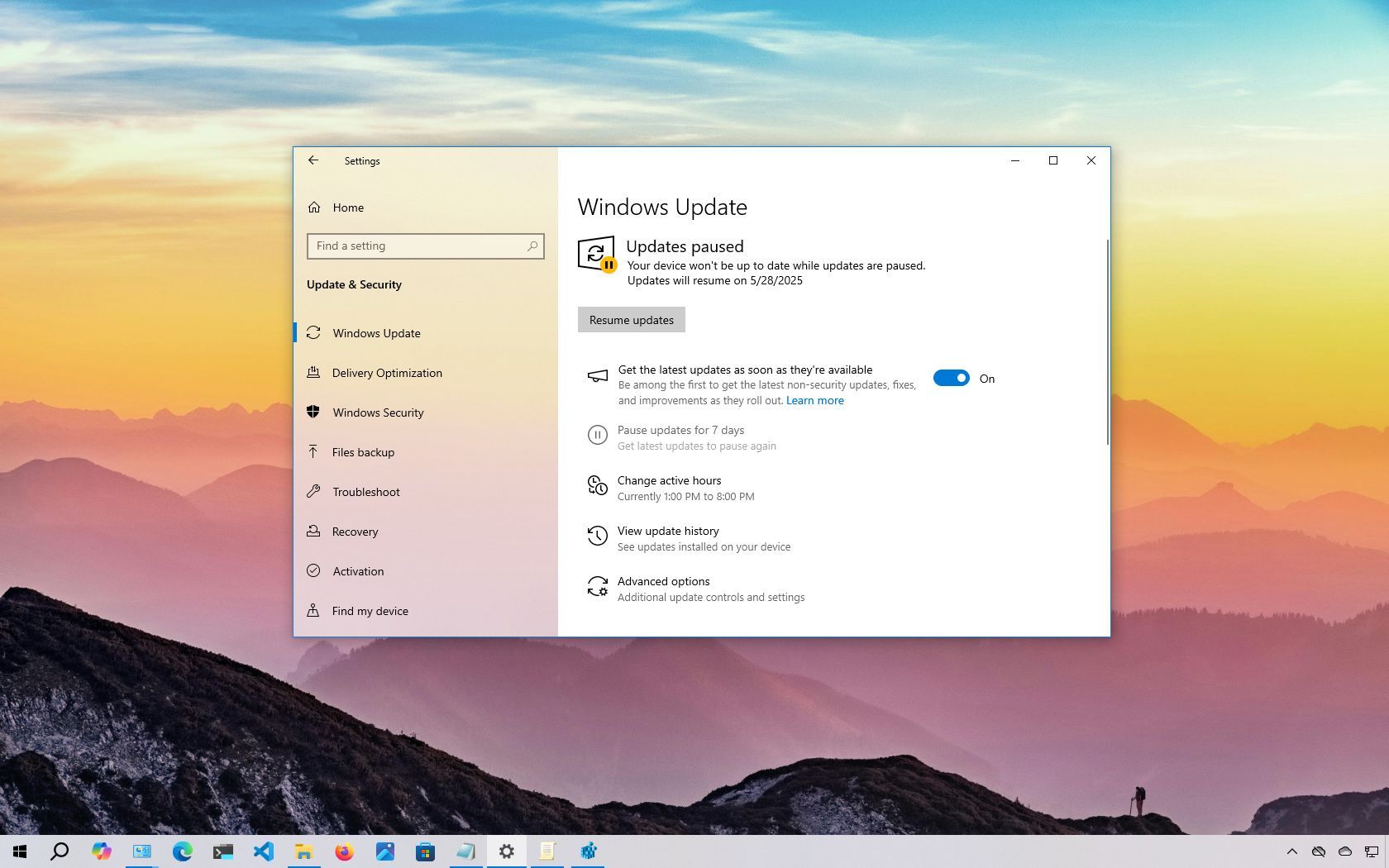
On Windows 10, cumulative updates are downloaded and installed automatically as soon as they become available. While this hands-off approach ensures that laptops and desktops stay protected with the latest security patches, performance improvements, and feature enhancements, it's a feature that remains highly controversial.
The concern often begins from the fact that updates can (sometimes) introduce more problems than they solve. For instance, they might break existing features, cause driver or application compatibility issues, trigger Blue Screen of Death (BSoD) errors, or require unexpected restarts, disrupting your workflow.