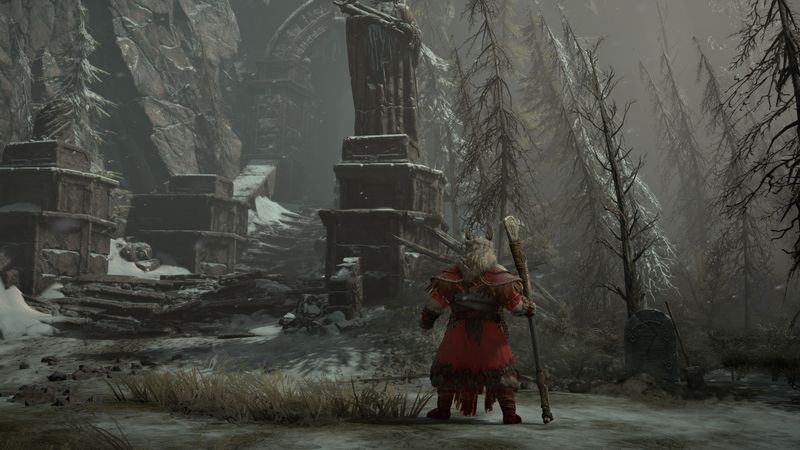
While Diablo 4 has really accommodating PC requirements allowing gamers on a whole range of systems to play, there's one key metric most will want to be able to track to see how its performing. By showing the game FPS on screen while you play, you're able to track more accurately when frame dips occur or whether you're hitting the maximum your display can handle.
It's not immediately obvious how to show your FPS in Diablo 4, but fortunately it's a simple task. There are actually a few ways you can monitor FPS, but the easiest is just using the tool built into the game.