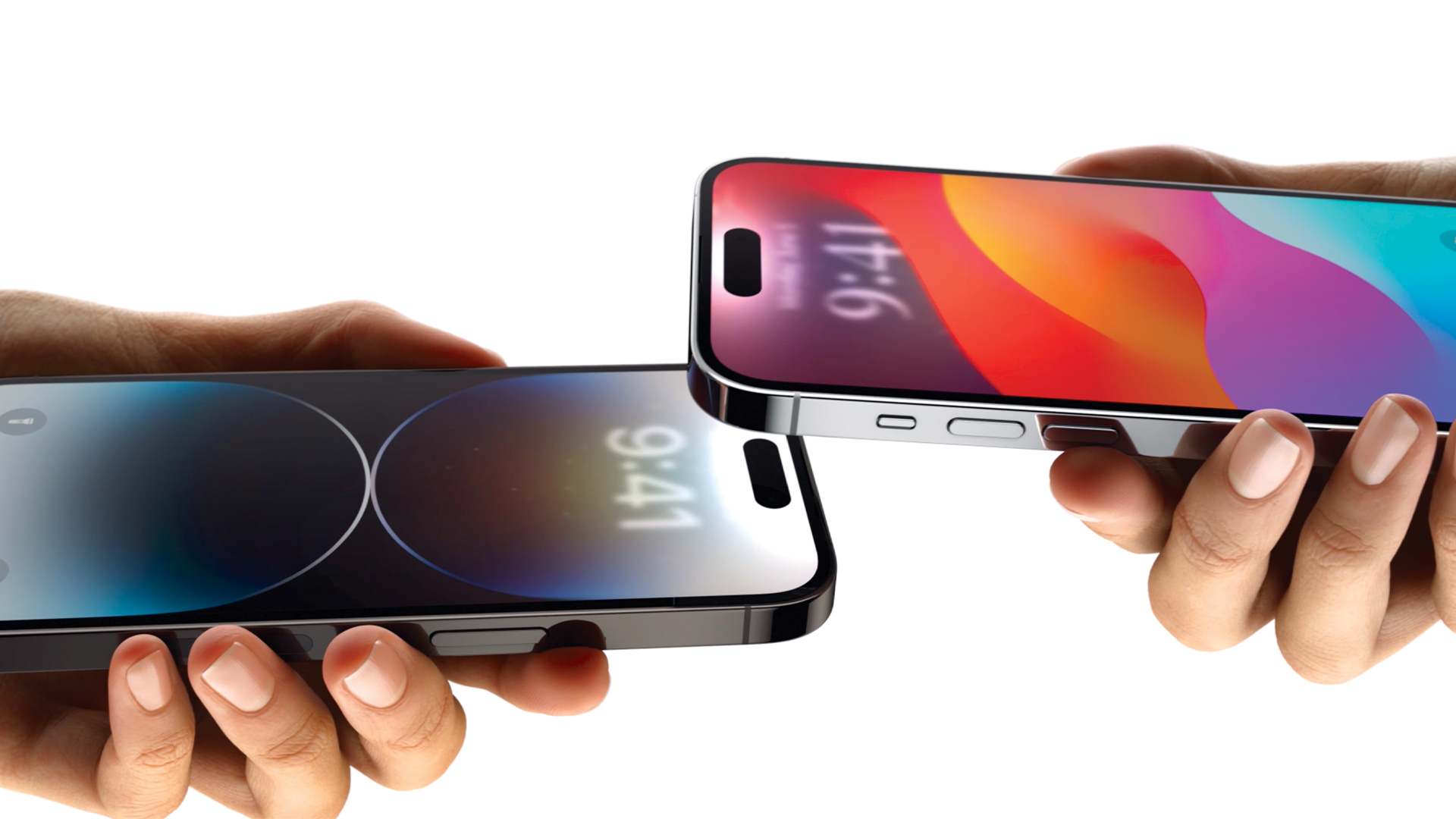
Introduced in 2011, AirDrop has become one of Apple’s most useful features. It has allowed you to select a file, such as a photo, open the Share menu and choose a nearby Apple device to send it to. And, as of iOS 17, AirDrop has now become even easier to use by allowing transfers to take place simply by bringing two iPhones close together – while allowing some transfers to continue even if the handsets actually become far apart.
As well as allowing photos and videos to be shared, you can now more easily share contact details using NameDrop and media via SharePlay. It’s also possible to transfer large files with very little effort. And in the case of NameDrop, you can share contact details between an iPhone and Apple Watch running watchOS 10. All in all, it makes AirDrop feel more seamless.