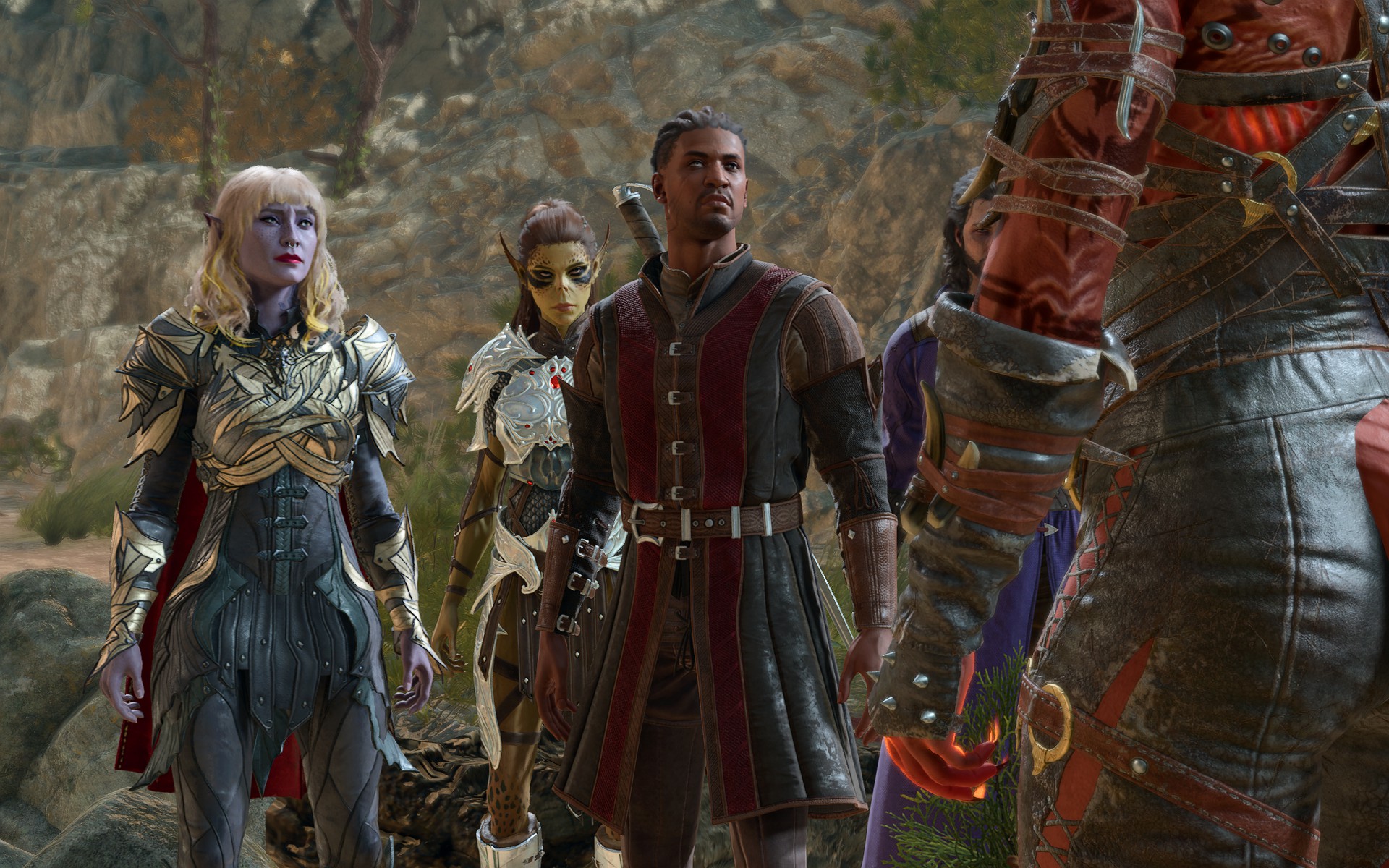
Only the player who initiated a co-op Baldur's Gate 3 session can save the game, which prevents another player from hosting the next session if the original host is unavailable—unless the host sends them the save file. Good news: It's pretty easy to share Baldur's Gate 3 save files, whether to change co-op hosts or just to send a friend your singleplayer campaign.
Your Baldur's Gate 3 saves are tucked away deep in a hidden system folder called AppData. You'll find that folder on your Windows install drive, typcally C:\Users\[username]\AppData. (If you're having trouble locating it, check "Show > Hidden Items" in the File Explorer "View" menu.) The full Baldur's Gate 3 save file path is: