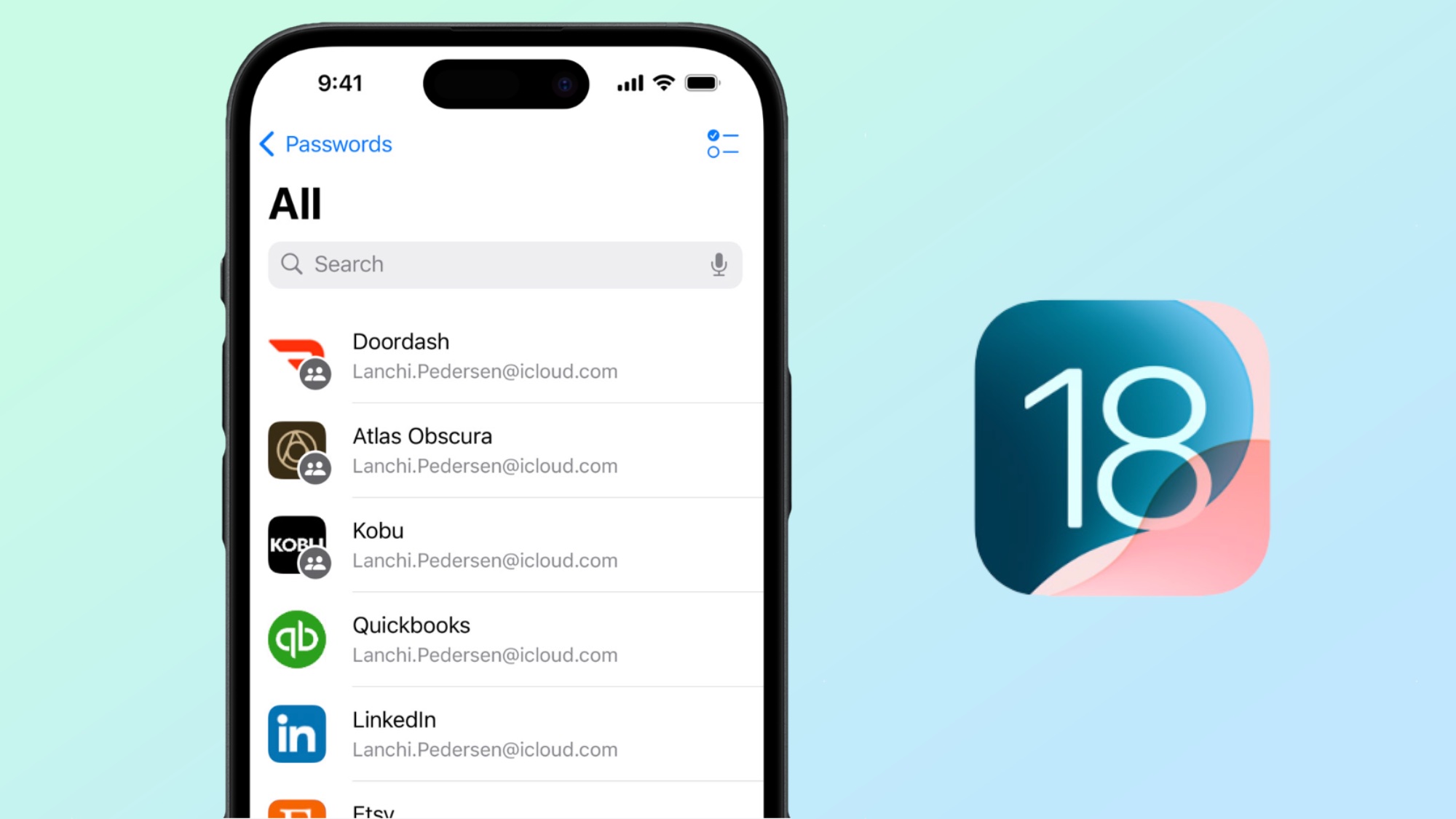
The Passwords app in Apple's iOS 18 is going to make controlling your many different accounts easier than ever before. Apple has been able to save and auto-fill passwords in the iCloud Keychain for over a decade, but it’s never made it particularly easy to see and manage your passwords like the best password managers might.
Fortunately, the Passwords app has changed all that, offering Apple’s take on the traditional password manager. It offers way more than just quick and easy access to your saved passwords; it’s more like a miniature security hub. There’s space for saved Wi-Fi passwords, two-factor authentication codes and passkeys — and it offers the ability to generate new passwords. On top of that, there are security recommendations, should your passwords either be too weak or show up in a data breach.