
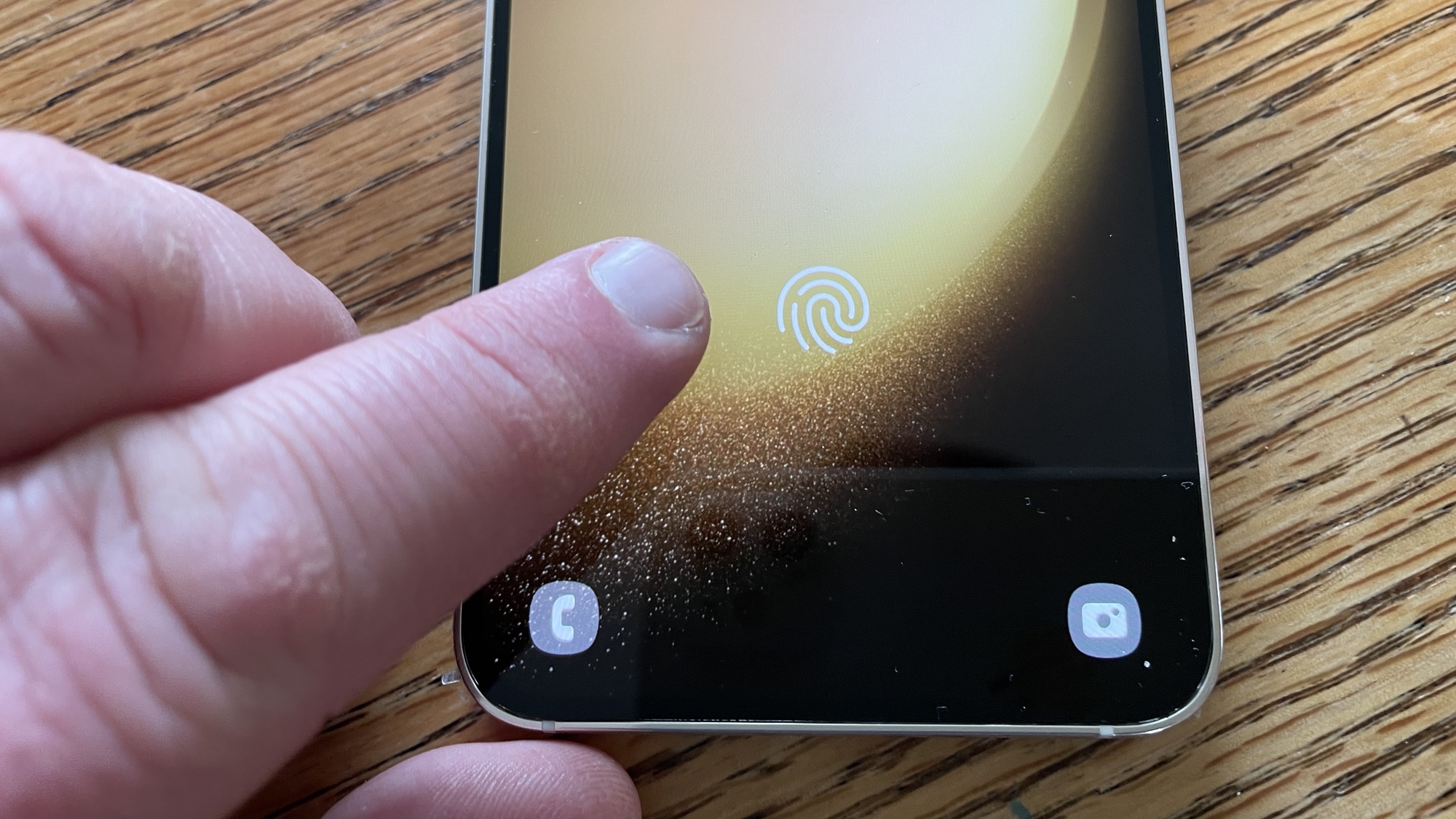
Setting up the fingerprint sensor on the Samsung Galaxy S23 is such a crucial security measure that you're actually prompted to do it while setting up your new phone. And it makes sense why Samsung is so eager for you to take advantage of the Galaxy S23's biometric features. With your fingerprint saved to your Galaxy S23, you can use the under-display sensor to unlock your phone. A fingerprint can also authenticate purchases you make on your smartphone.
If you skipped past setting up the fingerprint sensor when you first got your Galaxy S23, don't worry. It's easy to go back and set up the fingerprint sensor later on. You can also add up to four fingerprints to give yourself more flexibility for unlocking your Galaxy S23.




