Get all your news in one place.
100's of premium titles.
One app.
Start reading
Android Central
Android Central
Technology
Michael L Hicks

How to set up and customize Gemini Raise to Talk on the Pixel Watch 4

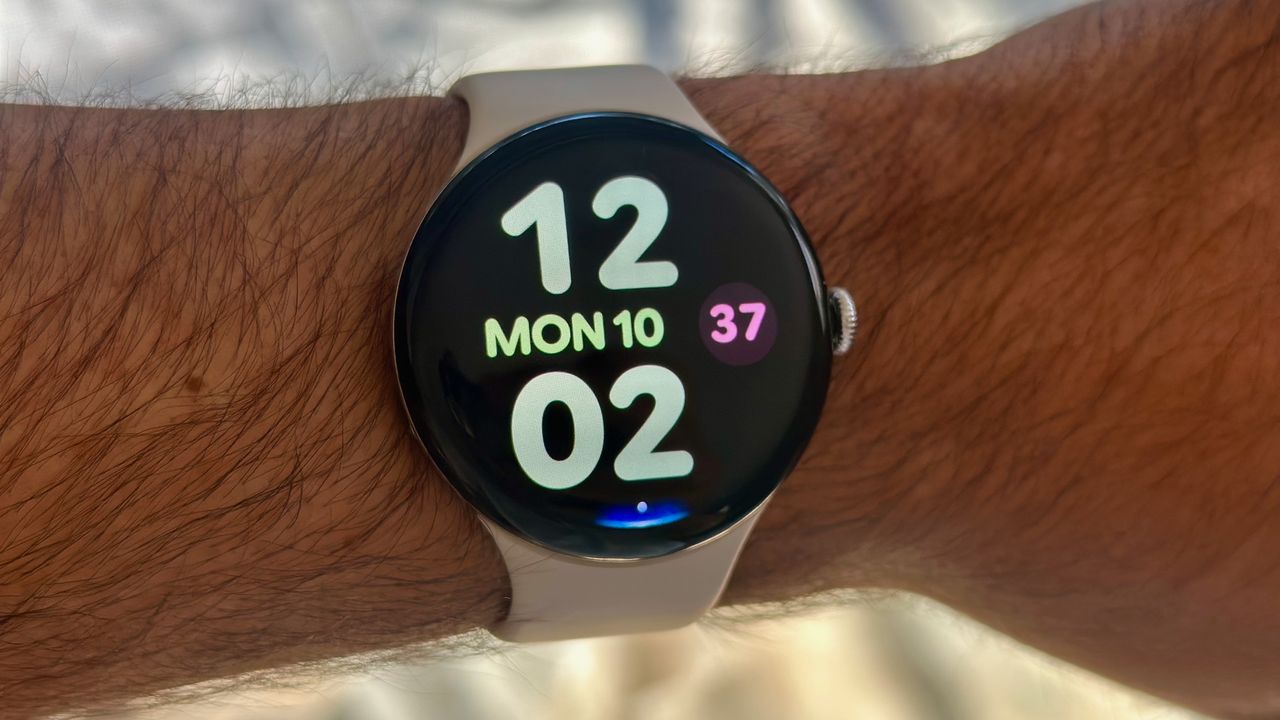
A photo of the Google Pixel Watch 4 on a man's wrist showing the Bold Utility watch face with large, colorful clock numbers and day/date info. At the display bottom is a blue Gemini Raise to Talk indicator.

Gemini Raise to Talk is one of my favorite tools on the Google Pixel Watch 4. I never liked wasting battery life on the always-listening "Hey Google" trigger, nor having to hold down the side button for every question. Now, if I want to ask Gemini to check my calendar or start a timer, I just raise my wrist and start talking.

Google wants Pixel Watch 4 owners to use Raise to Talk, so it isn't hard to find during the watch setup. But if you skipped all the menus during onboarding, I can point you to where to find the Gemini Raise to Talk toggle.

Sign up to read this article
Read news from 100's of titles, curated specifically for you.
Already a member? Sign in here
Related Stories
Top stories on inkl right now
One subscription that gives you access to news from hundreds of sites
Already a member? Sign in here
Our Picks
Fourteen days free
Download the app
One app. One membership.
100+ trusted global sources.