
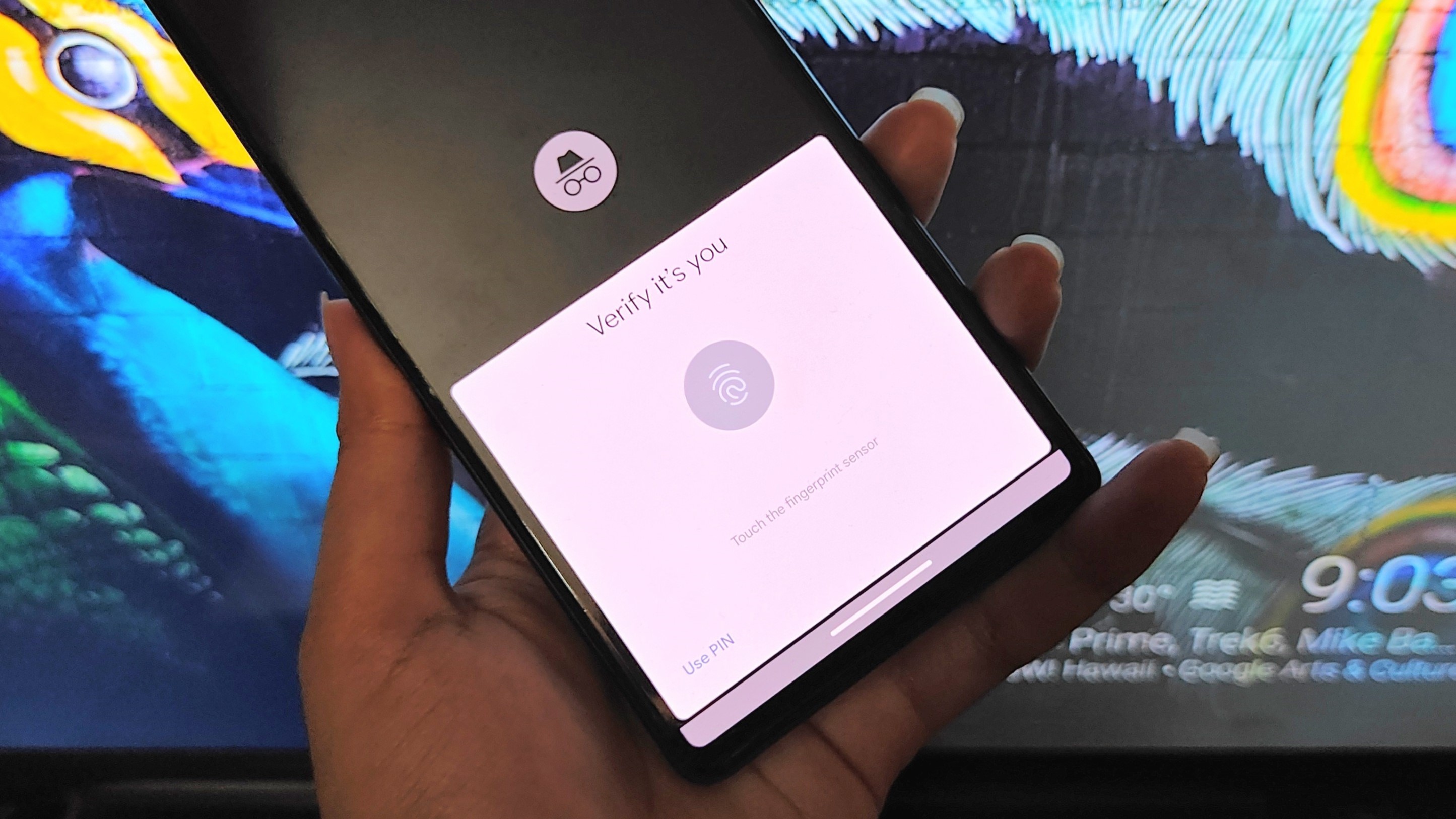
No matter what Android device you're using, chances are that your go-to web browser is Google Chrome. The internet browser has loads of convenient tools, integrations, and backup facilities so it's hard to use any other browser once you get used to it. Chrome has many nifty tricks up its sleeve, including a fingerprint lock for incognito tabs. This can be handy when you don't want anyone to come across your private tabs accidentally but still want to share your device with them.
Google is rolling out this feature in stages, which means that not everyone has access to it just yet. You can force Chrome to enable it by using a simple flag. If you don't know what flags are, we have a great explainer on them that you can find here. Anywho, you don't need to be a pro at Chrome flags to follow these instructions. Here's how you can secure your Chrome incognito tabs behind a fingerprint.




