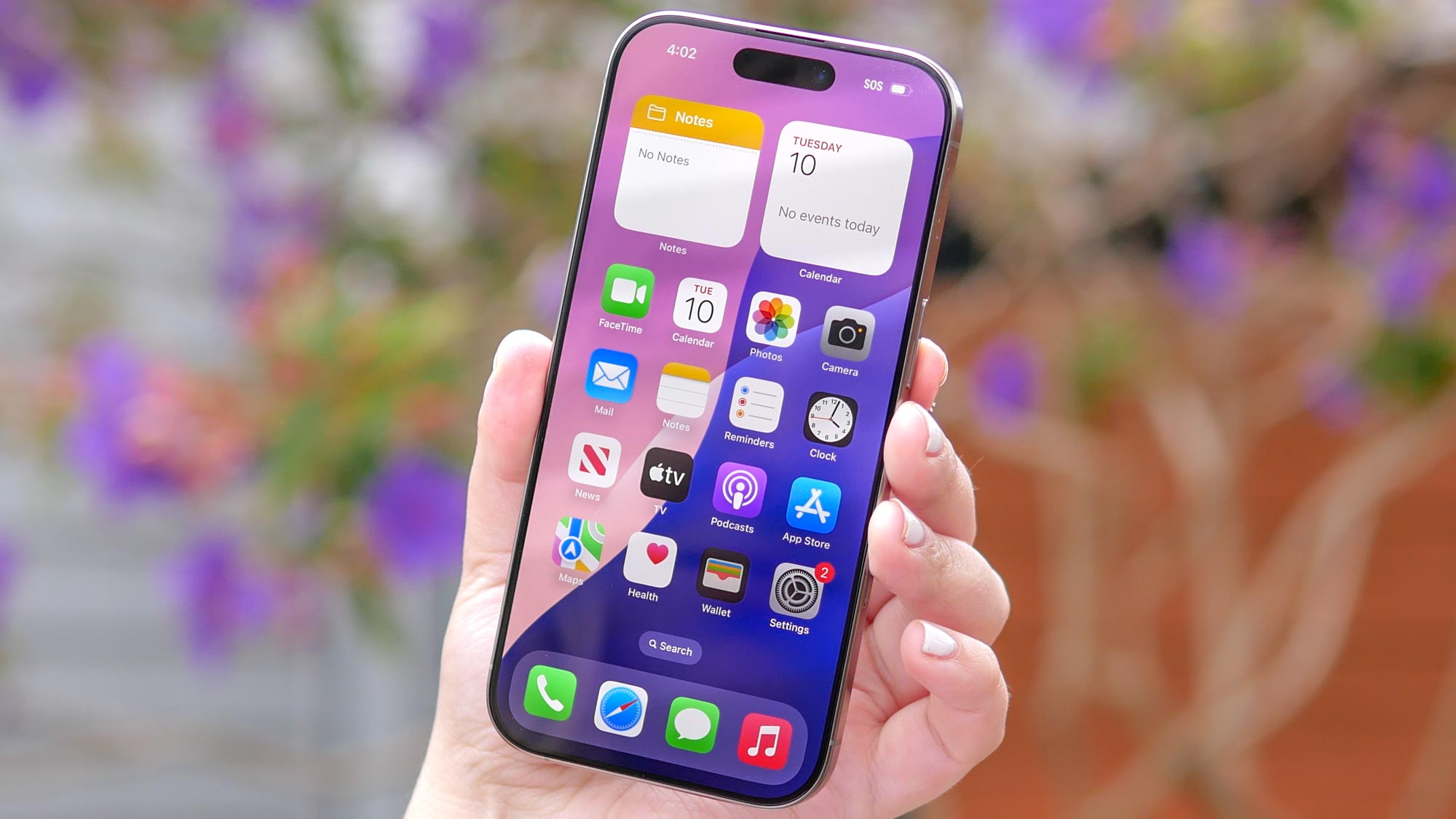
Taking screenshots has become an essential part of how we communicate, whether you're sharing a funny message, saving important information, or attempting a scrolling screenshot. While previous iPhone models relied solely on button combinations, the iPhone 16 offers multiple ways to capture your screen.
From traditional button methods to useful accessibility features and voice commands, Apple has made screenshotting more versatile than ever. The addition of Back Tap and Siri commands means you can now capture screens even when your hands are full or you're multitasking.