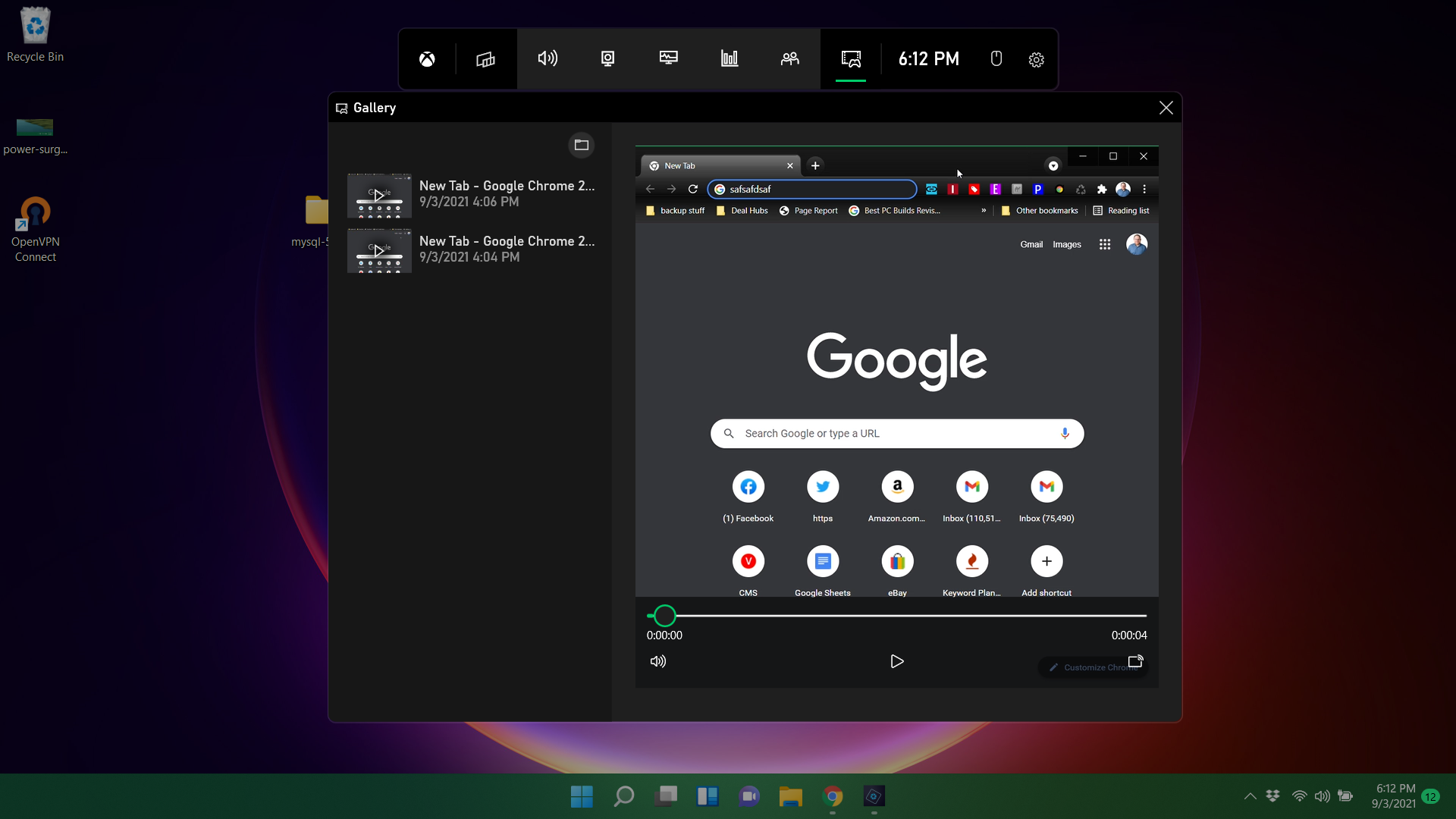
If a picture is worth a thousand words, then a video is worth ten thousand. Whether you're showing someone how to perform a software task such as changing your browser home page or you want to capture an impressive gaming session, screen recording in Windows is the way to do it. You can even screen record live video from streaming services or online meetings, though you should make always sure you have permission to do so.
Windows 11 and Windows 10 both have screen recording capability built-in as part of the Xbox Game Bar tool, but it has some limitations, including the fact that it can only screen record one app at a time and not the whole desktop. If you have Windows 11, the Snipping Tool has screen recording and allows you to choose a specific region of the desktop, but it's not a perfect solution. You may also prefer to use a more robust, third-party app such as OBS or ShareX, both of which are free.