Get all your news in one place.
100's of premium titles.
One app.
Start reading
TechRadar
TechRadar
Bryan M Wolfe

How to restart a Macbook Pro

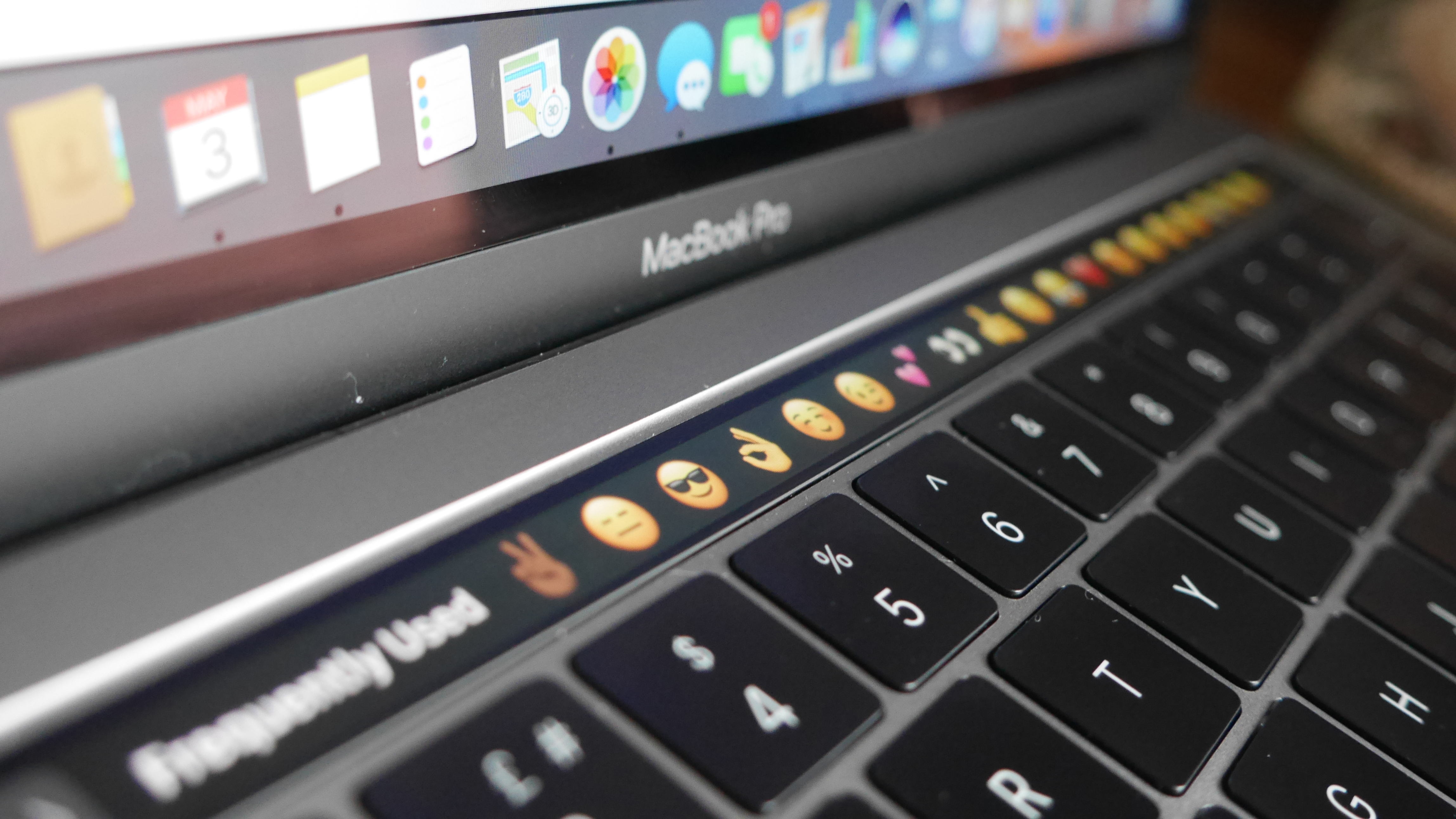
MacBook Pro Touch Bar.

Restarting your MacBook Pro is a simple process that serves two main purposes. Even the best laptop needs a break now and then. Restarting your computer closes all programs, helping to optimize its performance. When in doubt, restart your MacBook Pro!

You should also reboot your MacBook Pro to install macOS updates. When updates are available, you'll likely see a prompt asking if you'd like to reboot now or later. In this case, the update begins installing once the computer restarts.

Sign up to read this article
Read news from 100's of titles, curated specifically for you.
Already a member? Sign in here
Related Stories
Top stories on inkl right now
One subscription that gives you access to news from hundreds of sites
Already a member? Sign in here
Our Picks
Fourteen days free
Download the app
One app. One membership.
100+ trusted global sources.