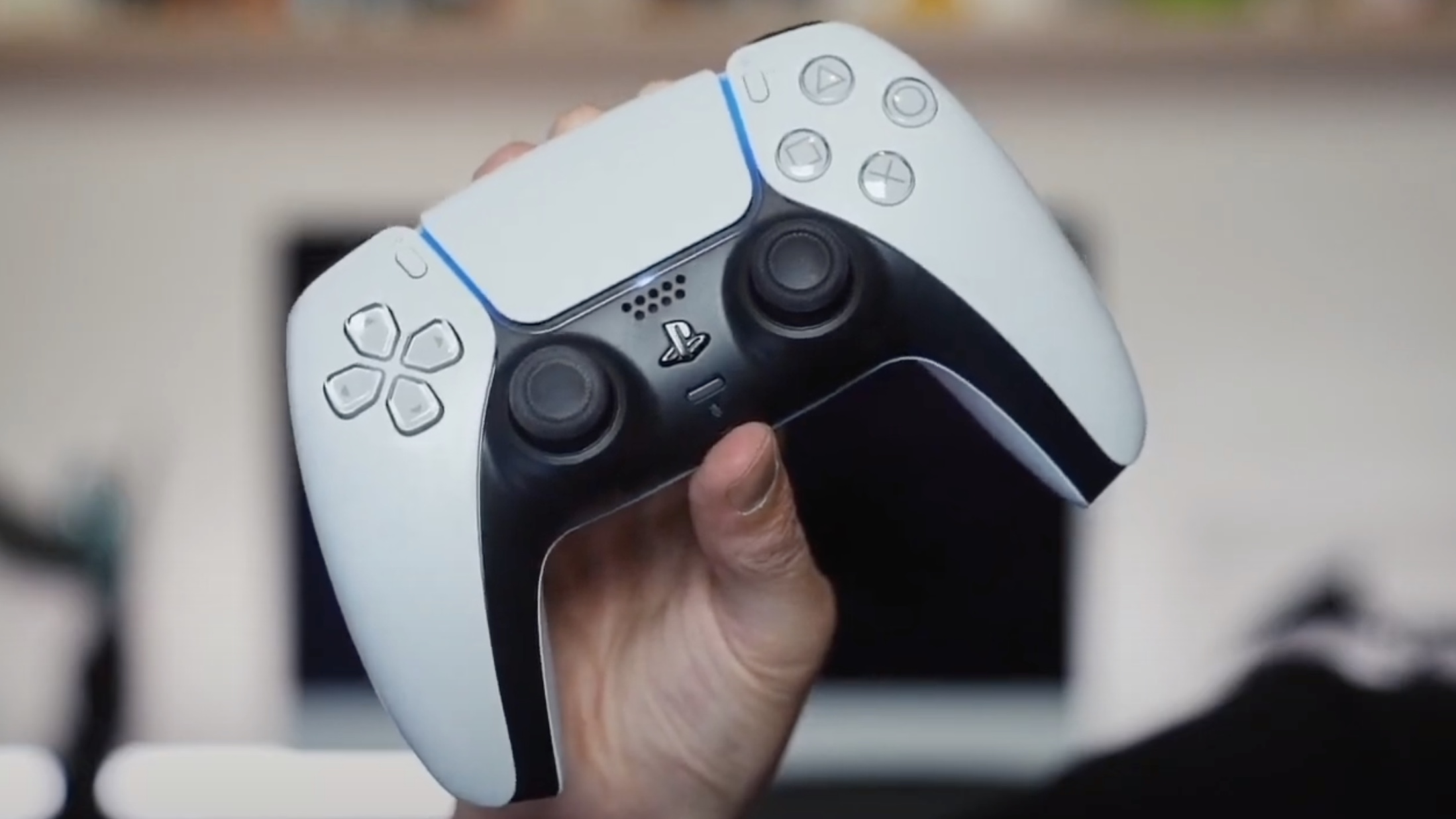
If you’re having trouble getting your DualSense to connect to your PS5 console, or it’s not functioning as expected, then you’ll want to know how to reset a PS5 controller. This simple method restores your PlayStation pad to its default factory settings.
Before committing to a full reset, be sure to try turning your PS5 controller on and off again, as you might be surprised how many issues this solution resolves. You can turn off a PS5 controller via the Accessories tab in the PS5 Control Center, just hold the PlayStation button in the center of the controller to access this system submenu.