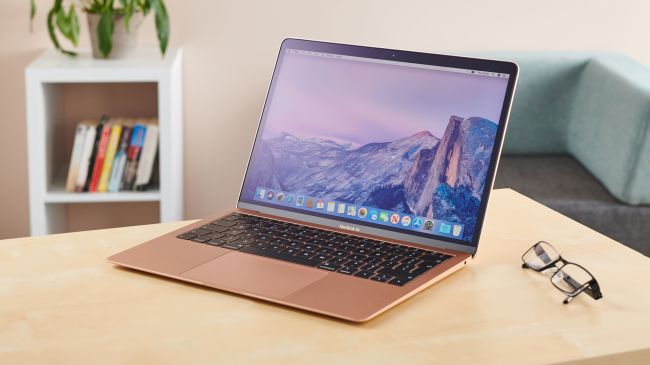
Knowing how to reset your device can come in handy for a number of reasons. There may come a time when you'll want to upgrade to a newer model, gift your current device to someone else, or just start fresh on a machine that's become bogged down with old files and programs.
Whatever the reason, making sure you've backed up and erased any personal data before you give it the ol' mind wipe is key, and we're going to walk you through the whole process. The idea of completely wiping your MacBook Air or MacBook Pro and starting from scratch might seem scary, but it's actually far less daunting than you might expect, so let's get to it.