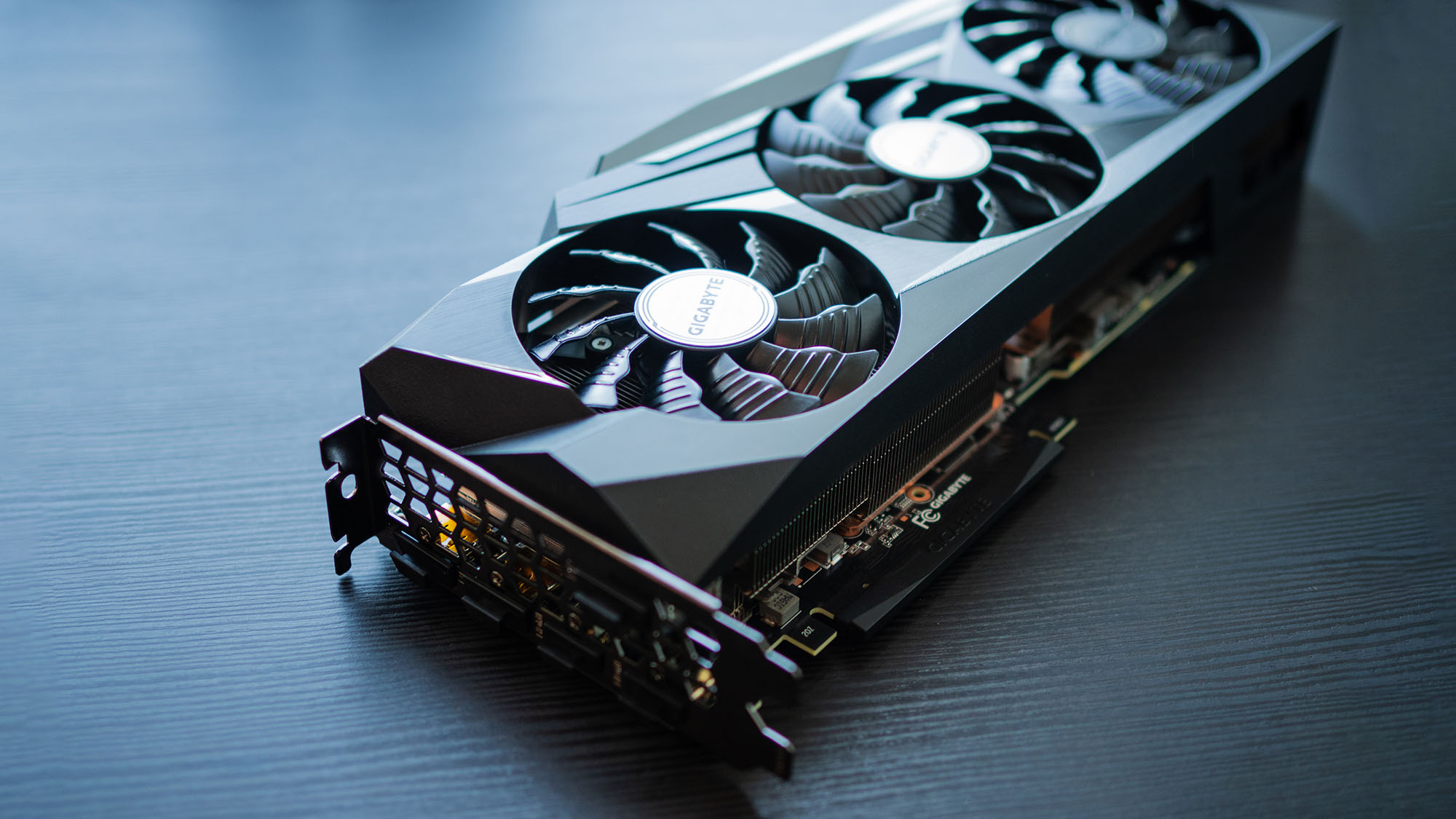
If you're having persistent crashes, black screens, frame rate drops, or other issues, learning how to reset a graphics driver should be your first step. Even the best graphics cards can sometimes run into driver issues, and resetting a graphics driver can often do the trick with minimal effort or troubleshooting.
I've been building PCs for years, and I've reset my fair share of GPU drivers, so I'm here to help you out with a full step-by-step guide for the reset graphics driver process to help you get your PC back into tip-top shape, regardless of whether you're resetting a laptop GPU driver, a desktop graphics card driver, or the driver for your integrated graphics.