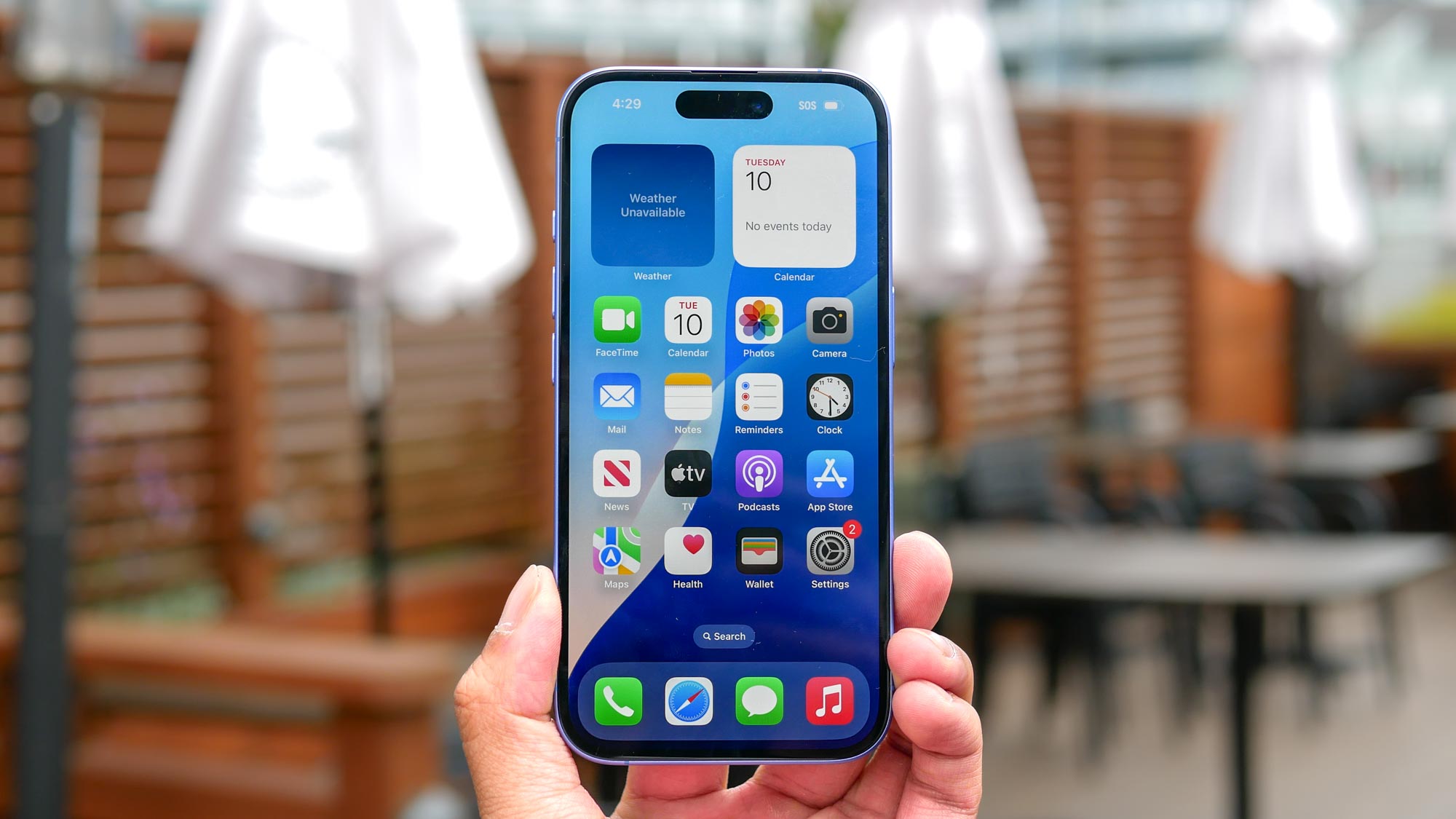
From meetings to movies, there are plenty of times when you need your iPhone to be quiet but still want to know when you're receiving notifications. The best iPhones have been designed with an Action button, replacing the traditional ring/silent switch. This offers users a new way to control their device's sound settings.
Beyond the physical controls, you can also fine-tune your vibration settings through the Settings menu for a more customized experience. Whether you prefer a subtle buzz or need a stronger vibration to notice your alerts, there are various options to personalize your notification style.