
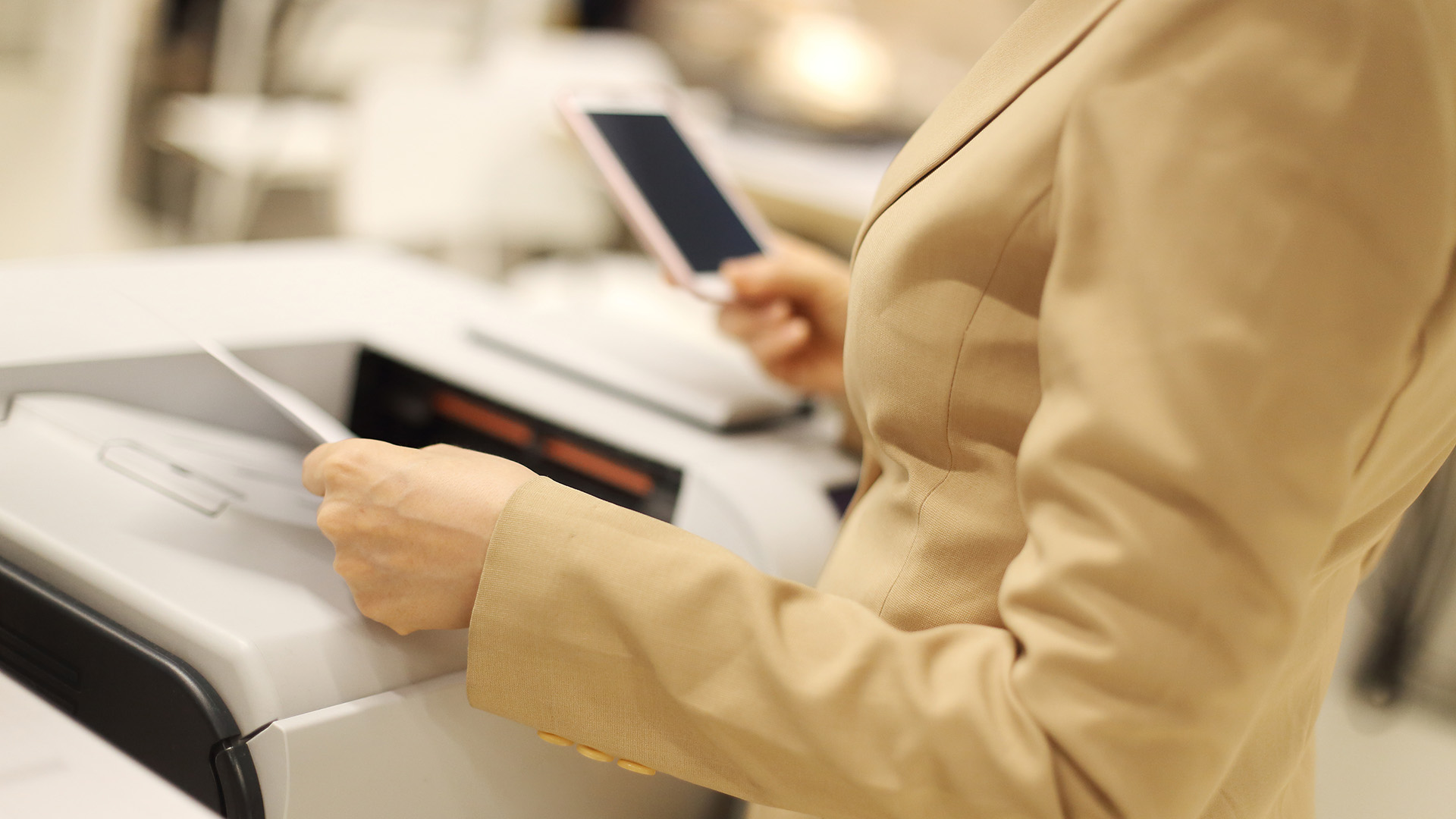
Emails are usually the most practical way of receiving important documents, travel details or even e-tickets for events like concerts and music gigs, so it's vital to know to how to print emails from iPhone. While an electronic message is handy, it’s always a good idea to have a printed paper backup to hand in case your phone runs out of battery. We also recommend keeping a print out of insurance details in your car at all time and in a physical filing system at home, or taking a physical copy of concert and flight tickets with you.
In this article we’ll take a look at the easiest ways that you can print out important information and tickets from your emails on your Apple iPhone. So, armed with one of the best compact printers, it'll be fast to transform your emails into physical documents. Let’s get to it…