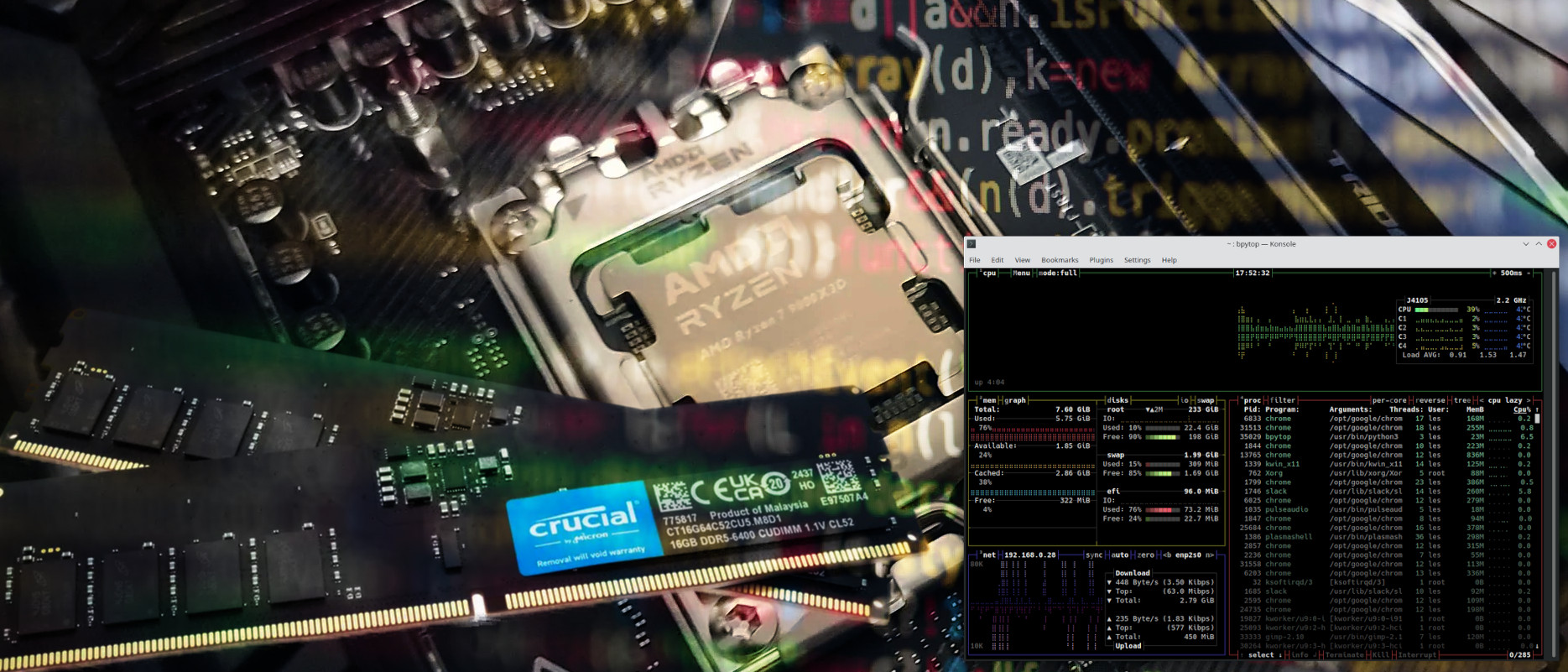
Whether we’re using a Raspberry Pi or a data center server, we need to know how our CPU and RAM are performing and, in Linux, there are a plethora of commands and applications that we can use. At the basic low level “How much RAM have I used?” to inspecting the CPU for vulnerabilities such as Spectre, there are commands at our disposal.
We are going to look at a number of different ways to get RAM and CPU data in the terminal, before we finally look at two applications which can provide a basic level of assurance, at a glance.