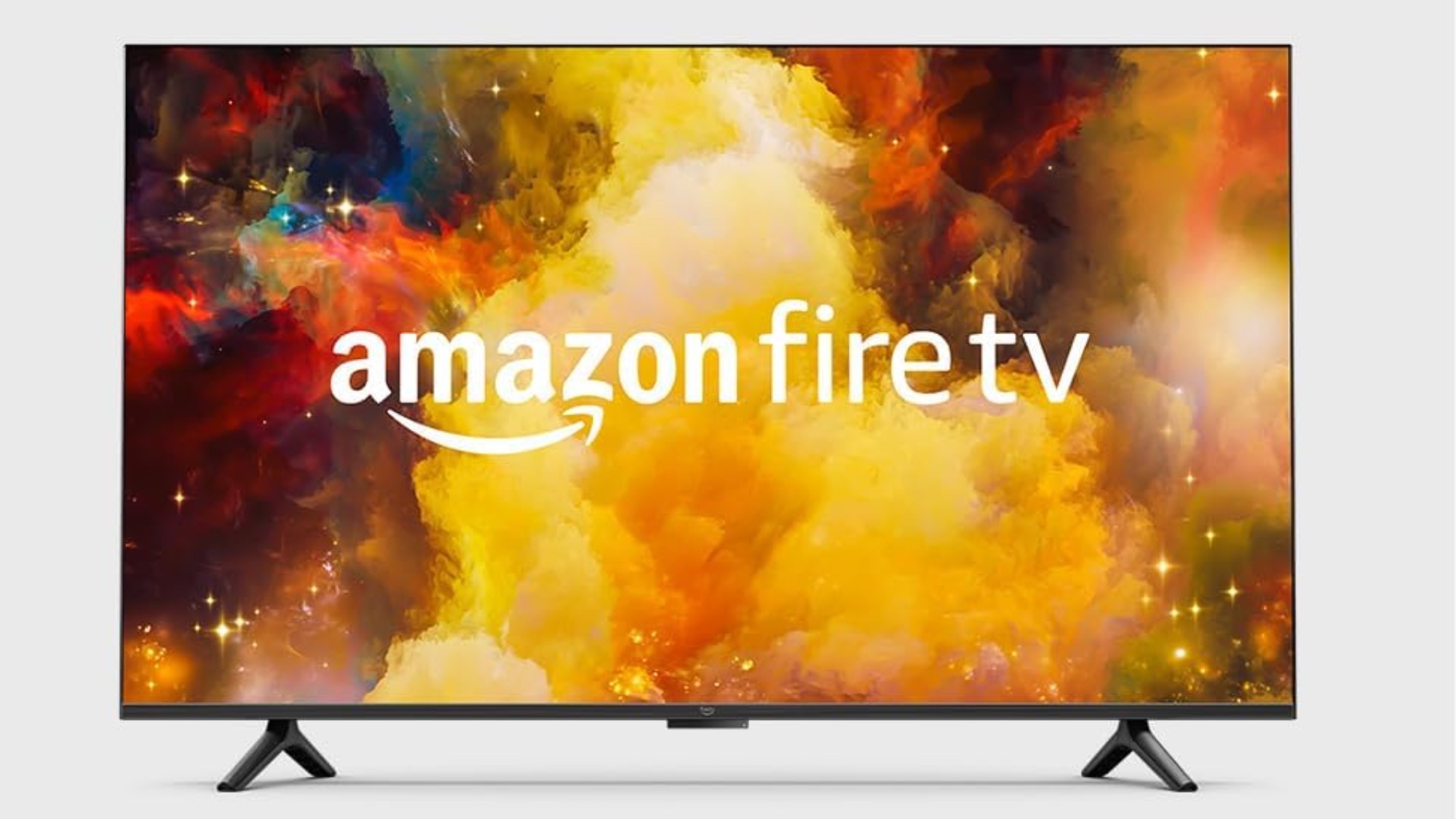
The ability to mirror your iPhone, iPad, or Mac to your Fire TV opens up a world of possibilities in streaming. Whether you’re displaying photos on a larger screen or streaming a movie, this feature can instantly enhance your digital experience. By using AirPlay — Apple’s wireless streaming protocol — you can project your iOS or macOS device onto Fire TV’s versatile platform.
Not everyone will know how to accomplish this though, and it can get confusing if you’ve never done it before. Our guide offers a few simple steps, from setting up AirPlay on your Apple device to configuring your Fire TV. Just keep reading to learn more about screen mirroring.