Get all your news in one place.
100's of premium titles.
One app.
Start reading
Windows Central
Windows Central
Technology
Mauro Huculak

How to manage widgets in the Lock Screen on Windows 11 — customize your PC before you ever log in

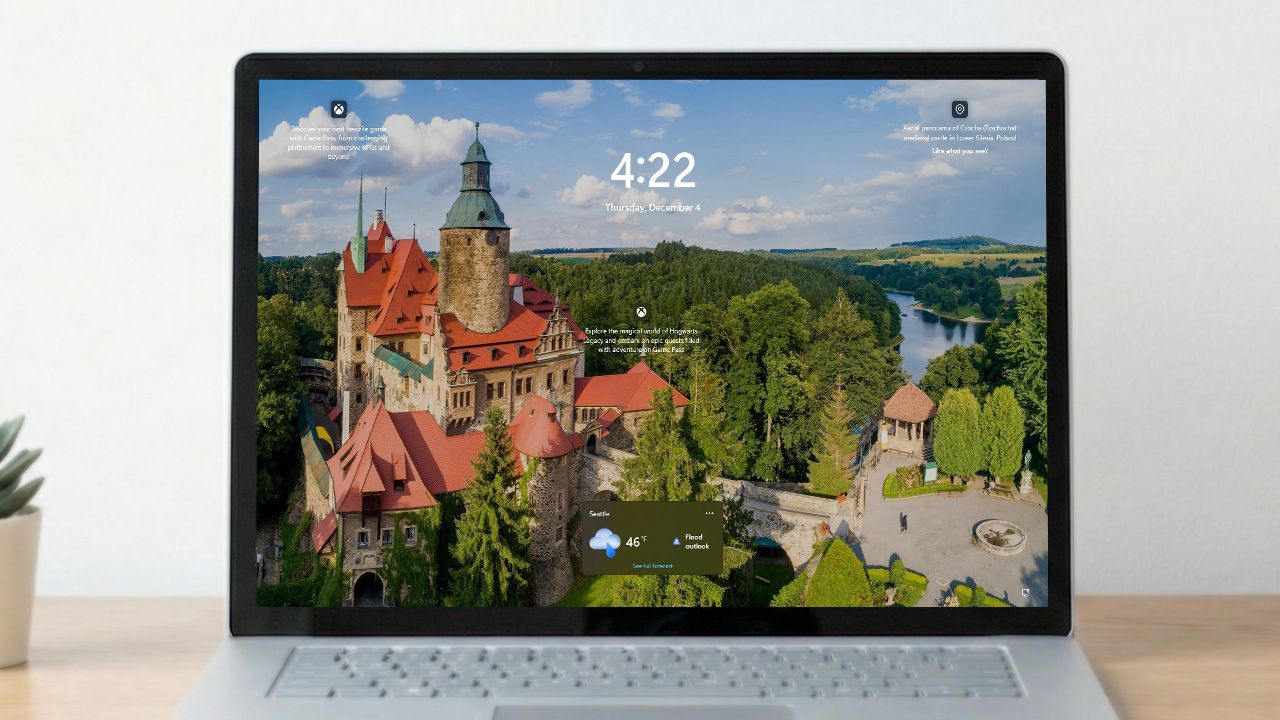
Windows lock screen superimposed on a laptop.

On Windows 11, you can manage the widgets that appear on the Lock Screen, and in this guide, I'll outline the steps to complete this configuration.

When you start the computer, you'll probably notice up to four widgets in the Lock Screen (the screen before signing in to your account), which usually include details such as weather, sports, traffic, and finance.

Sign up to read this article
Read news from 100's of titles, curated specifically for you.
Already a member? Sign in here
Related Stories
Top stories on inkl right now
One subscription that gives you access to news from hundreds of sites
Already a member? Sign in here
Our Picks
Fourteen days free
Download the app
One app. One membership.
100+ trusted global sources.