Get all your news in one place.
100's of premium titles.
One app.
Start reading
Windows Central
Windows Central
Technology
Mauro Huculak

Windows 11’s Start Menu is more flexible than you think — here’s how to take control of its settings

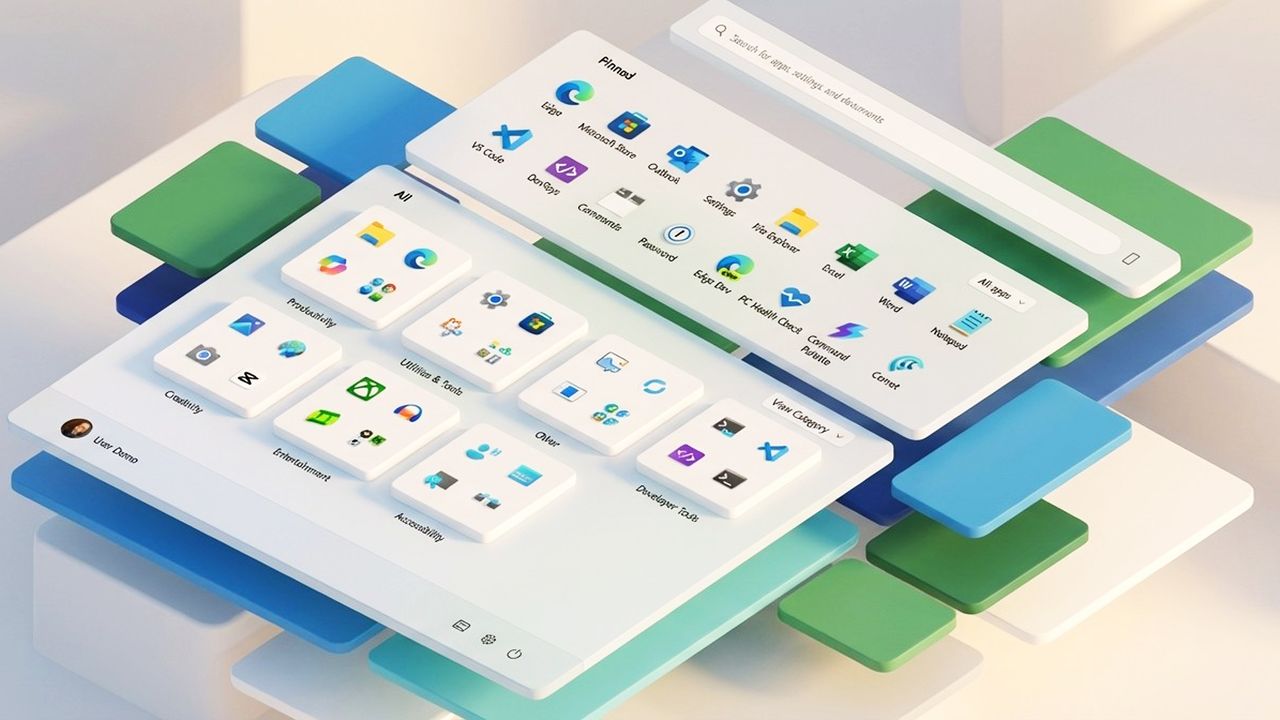
Images of the Windows 11 Start menu and icons.

Windows 11 continues to evolve its Start menu experience. The original design introduced a cleaner layout without Live Tiles, a simplified app grid, and a more streamlined set of personalization controls.

In the latest version of the operating system, Microsoft has introduced a refreshed Start menu layout that changes how apps and recommendations appear by making the interface larger and merging the "Pinned" section with the "All" menu, giving users even more flexibility.

Sign up to read this article
Read news from 100's of titles, curated specifically for you.
Already a member? Sign in here
Related Stories
Top stories on inkl right now
One subscription that gives you access to news from hundreds of sites
Already a member? Sign in here
Our Picks
Fourteen days free
Download the app
One app. One membership.
100+ trusted global sources.