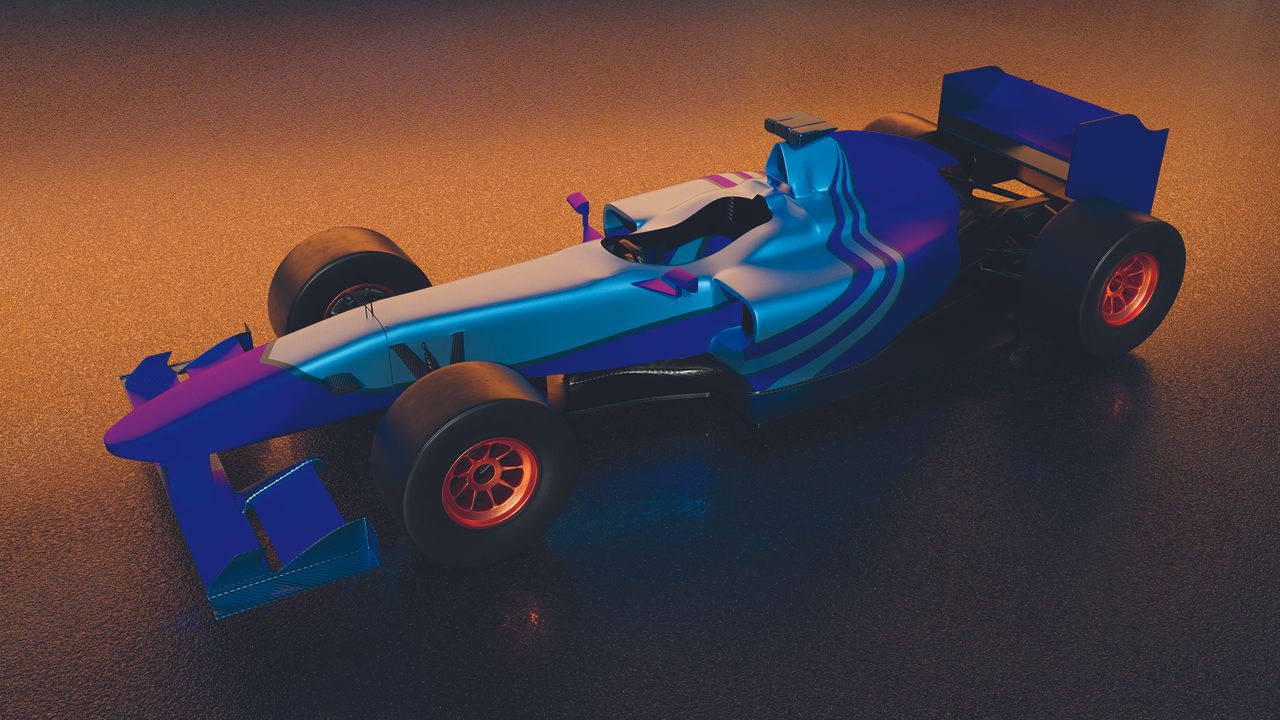
Colouring an object in 3D is one of the more complex parts of learning 3D, even when you’re using the best 3D modelling software. It’s not the same as assuming the colour you see on-screen is the object’s colour. Some 3D programs, especially those focused on design or that show a simplified viewport view, will colour an object to make it easier to manipulate and edit, rather than reflecting the material assigned to it.
The first complication to understand is that, in many cases, the colour of the object you see when you render (the term for an output image of what the 3D application sees through the camera) has little to do with the object itself. Instead, it comes from the material applied to the 3D object, something that can behave differently depending on the software you’re using and, occasionally, the hardware running it, including the best laptops for 3D modelling.