Data analysis often feels slower than the question itself. An analyst may only want to know why revenue dropped, which customer group changed behavior, or whether a recent campaign actually worked. Yet answering that question can require a long sequence of small actions: inspect the data, fix a column, Write a transformation, run the cell, review the output, adjust the logic, and repeat.
Tools such as RunCell are useful because they can reduce this mechanical work without turning the notebook into a black box. The goal is not to remove the analyst from the process. It is to shorten the time between making an analytical decision and seeing enough evidence to decide what should happen next.
The Cycle Behind Every Analysis
Most notebook delays do not come from one difficult calculation. They come from repeatedly switching between thinking about the problem and implementing the next small step.
Imagine investigating a sudden decline in weekly sales. The first calculation compares revenue across several weeks and shows that one week looks unusually weak. That leads to a check of product categories, which turns up inconsistent labels. After cleaning them, a further calculation shows that one region accounts for much of the decline.
None of these tasks is individually hard. What makes the process slow is that every discovery restarts the same cycle:
Question → Execute → Review → Decide
A question leads to code, the code runs, the output is reviewed, and the result determines the next question — which starts the cycle again. The expensive part is rarely the code itself. It's the manual work of restarting this loop every time the evidence changes.
This reframes what "faster analysis" actually means. The goal is not to generate more cells in less time. It's to move through this cycle with fewer unnecessary steps between one piece of evidence and the next.
Starting the Cycle: From a Vague Task to a Concrete Question
The cycle only works well if it starts from something specific. "Analyze this sales dataset" can lead in almost any direction. A better starting point is: "Which product categories caused the revenue decline in July?"
That question immediately suggests a first pass through the cycle: confirm the relevant dates, compare category revenue against the previous period, identify the largest changes, and check whether those changes came from order volume, pricing, or missing data.
Turning a Question Into Notebook Steps
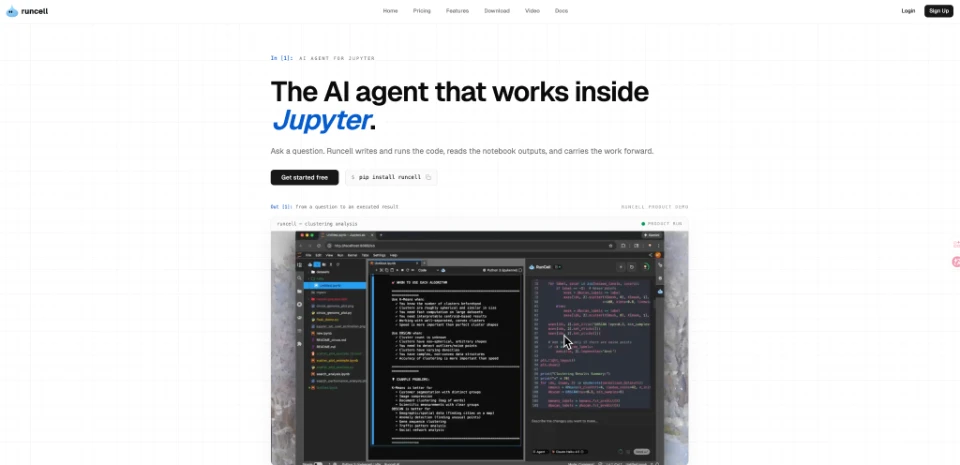
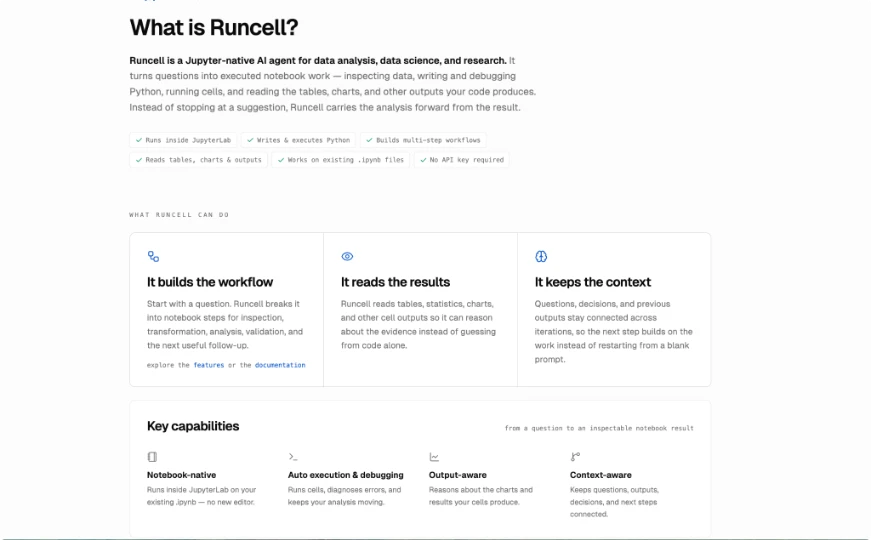
A Jupyter AI agent can shorten this first pass by turning the question into notebook operations, executing the generated code, and inspecting the resulting outputs. RunCell is designed to work inside existing Jupyter workflows, so generated code, tables, charts, and execution results all stay part of the same analytical process — and the same cycle.
Letting the Result Decide the Next Loop
If the category comparison shows one product group explains 70% of the decline, the next iteration investigates that category. If every category declined by roughly the same amount, the next iteration looks for a broader explanation. This keeps the notebook focused: each new cell exists because the previous result created a reason to run it, rather than because it's part of a generic profiling routine.
What Belongs in the Loop, and What Doesn't
As the cycle repeats, a second question emerges: which parts of it should be automated, and which parts require a person?
What Can Safely Be Automated
Many steps in the loop are mechanical. Converting a column to the correct type, filtering a date range, grouping records, calculating percentage changes, or creating a basic chart follows familiar patterns every time. Automating this implementation work is a straightforward win — it removes repetition without removing anything the analyst actually needed to decide.
What Only Looks Mechanical
Other steps only look mechanical. Converting a revenue column from text to numeric is a simple operation. Deciding whether missing revenue values should become zero is not — zero might mean no revenue occurred, or it might mean the figure was never recorded, and only the analyst knows which. The same split applies to outliers: code can flag unusual observations instantly, but whether those observations are errors, rare customers, or real business events requires judgment a model doesn't have access to.
Where the Line Actually Sits
This is the line a fast workflow has to respect: automate the execution step of the cycle, leave the decide step with the person who understands what the data represents. In practice, that means the analyst should always be able to inspect a generated transformation, rerun it, change a condition, or reject it outright — automation should speed up the loop, not remove the analyst's hand from it.
Reviewing Before Looping Again
The review step is where speed most often causes problems, because a cell running successfully only proves that Python accepted the code — not that the transformation was appropriate or that the result answers the question.
Suppose revenue fell sharply in one region. It's tempting to jump straight to a more complex model or a new visualization. It's more reliable to test simpler explanations first: did order count fall? Did average order value change? Are records missing for certain days? Did a category disappear from the dataset entirely? These checks are usually faster than they look, and they prevent the next loop from building on a false assumption.
This is also where notebook-native tooling adds the most value. When an AI agent can read the actual table, chart, or error a cell produced — rather than just knowing the code ran — the next iteration of the cycle can respond to what genuinely happened, not just to what was expected to happen. Output is evidence for the next decision, not confirmation that the step is finished.
The Cycle, End to End
Put together, the workflow described above is a single loop repeated with discipline:
Question → Execute → Review → Decide → (new Question)
An analyst starts with a specific question, lets the mechanical parts of execution run quickly, reviews the resulting evidence before trusting it, and lets that evidence — not habit — determine the next question. AI can accelerate the execution and review steps of this loop: writing routine code, running it, and surfacing what happened. What it should not take over is the decide step, where the objective, the assumptions, and the interpretation still belong to the analyst.
That's also the right way to measure whether a notebook workflow is actually faster. Not by how many cells were generated, or how much Python was written automatically — but by how quickly a real question turns into evidence the analyst can check, explain, and trust. Shortening the distance around that loop, without removing the person deciding where it goes next, is where notebook-Native AI adds the most value.