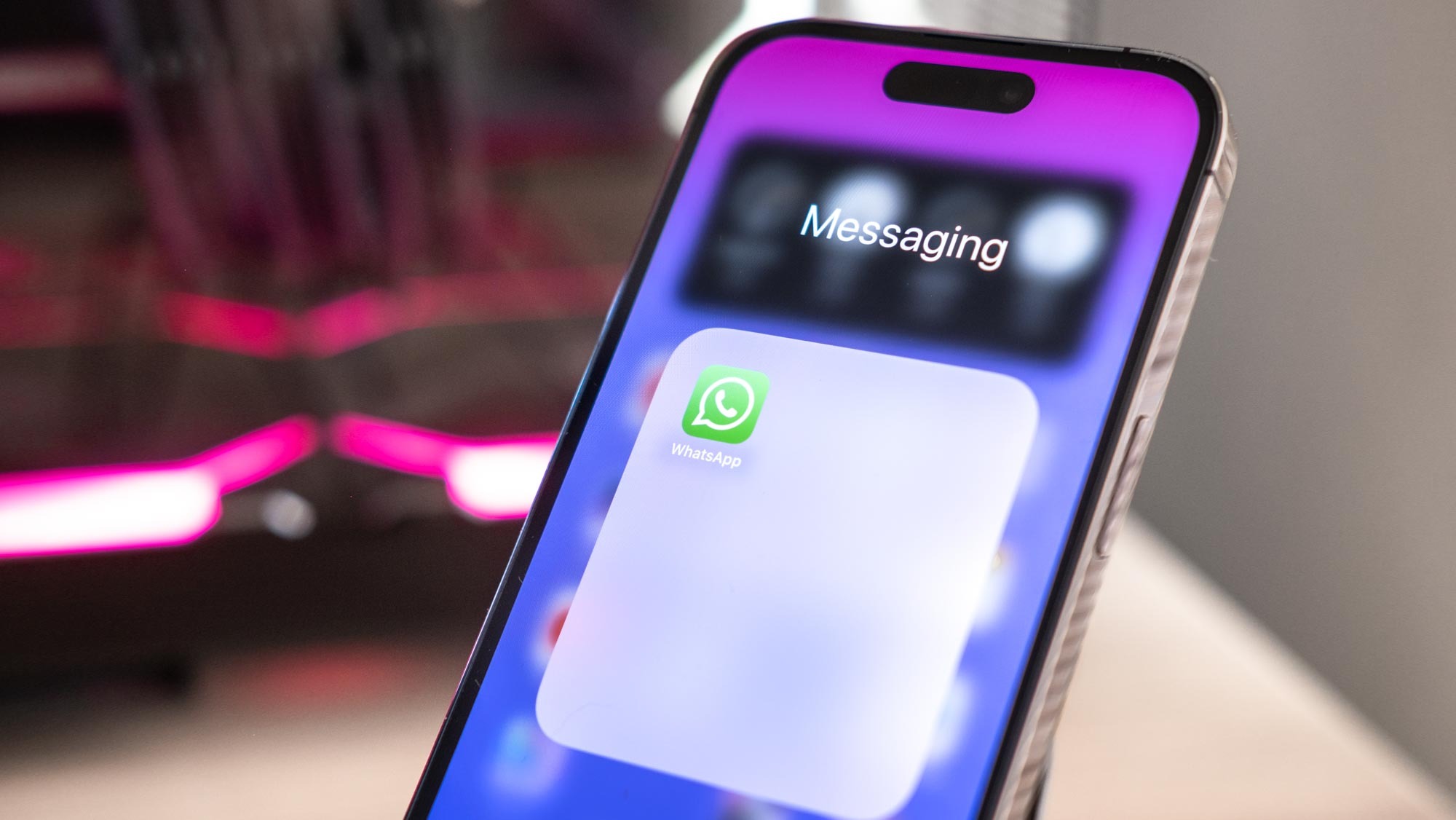
Keeping your private WhatsApp messages secure is important. Now, you can lock WhatsApp with FaceID on iPhone, which gives you an extra layer of protection to lock down your WhatsApp app and conversations.
Face ID uses advanced facial recognition technology to confirm your identity before unlocking WhatsApp. Once set up, you'll be able to quickly and securely access WhatsApp just by looking at your phone. We'll cover how to enable Face ID, set it up for WhatsApp specifically, and use it to open the app and view your messages. With Face ID, you don't have to worry about prying eyes accessing your WhatsApp chats when you step away from your phone.