Get all your news in one place.
100's of premium titles.
One app.
Start reading
Windows Central
Windows Central
Technology
Richard Devine

How to install the Windows Subsystem for Linux (WSL 2) on Windows 10 and Windows 11

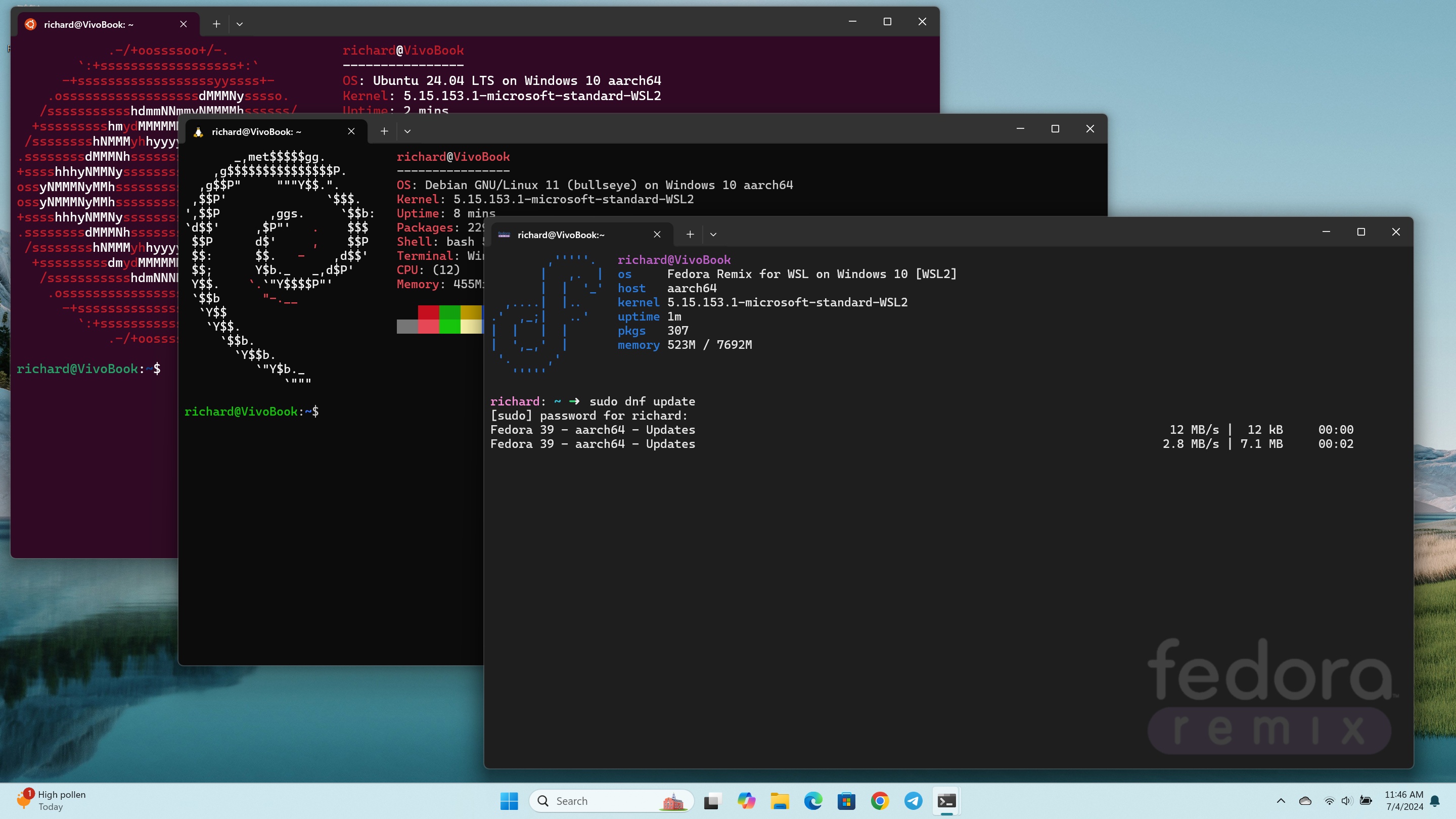
Ubuntu, Debian and Fedora running on WSL on a Snapdragon X Elite laptop.

Microsoft dropped plenty of jaws way back when it launched the Windows Subsystem for Linux (WSL), a way to run actual Linux inside Windows without the need to set up a virtual machine. The project has seen a ton of support, and WSL 2 is the latest and greatest.

It takes things a little further and adds yet more awesomeness to the Linux experience on Windows 10 and Windows 11. WSL 2 uses a proper Linux kernel compared to the virtualized one from the first version, and it has significantly better performance.

Sign up to read this article
Read news from 100's of titles, curated specifically for you.
Already a member? Sign in here
Related Stories
Top stories on inkl right now
One subscription that gives you access to news from hundreds of sites
Already a member? Sign in here
Our Picks
Fourteen days free
Download the app
One app. One membership.
100+ trusted global sources.