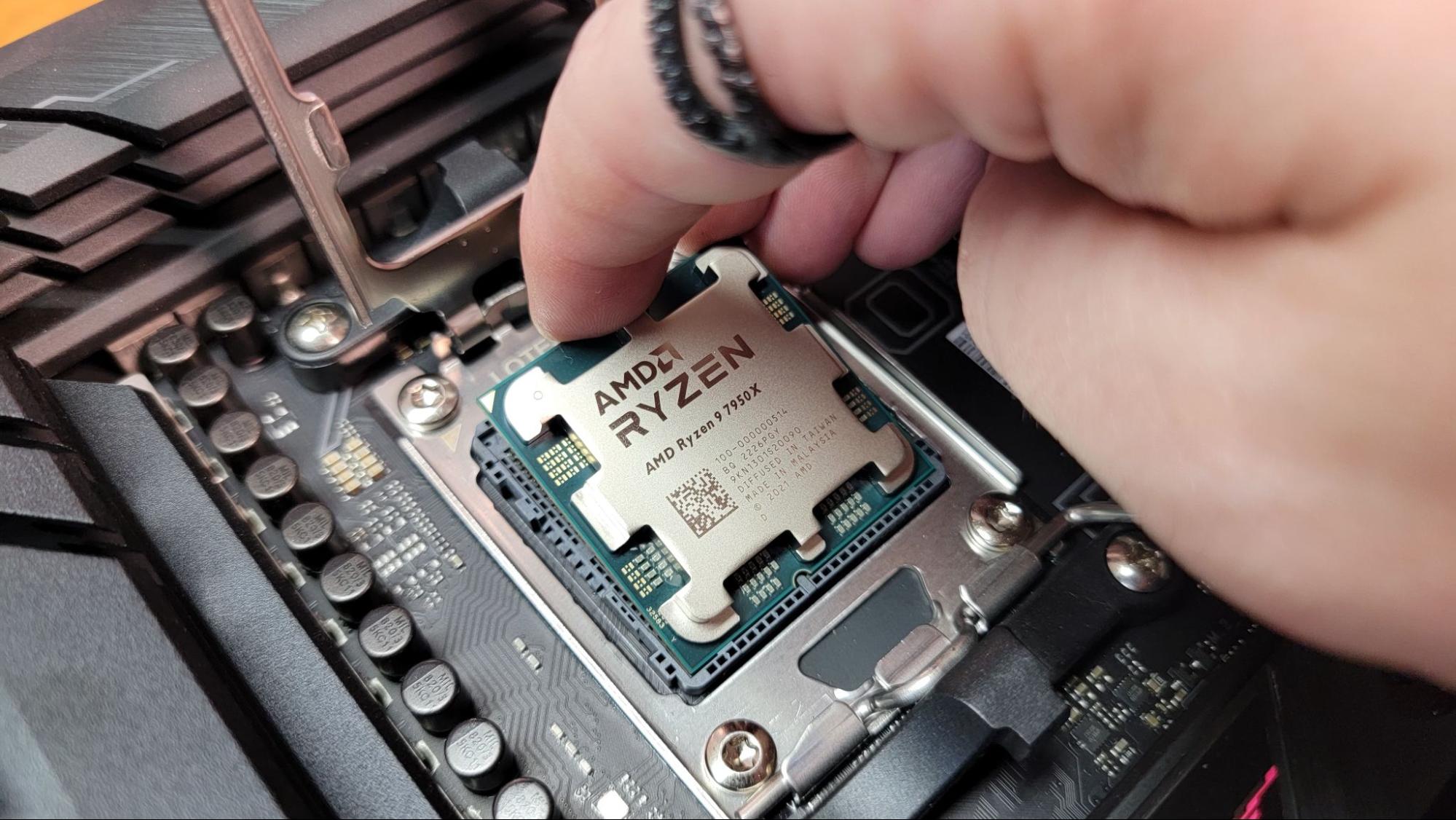
Your system's CPU or processor may be powerful enough to keep your games running smoothly and chew through productivity tasks with ease, but it (and the CPU socket that it drops into on the motherboard) are surprisingly easy to damage if you aren't careful and don't know what you're doing.
So whether you're building your first PC, upgrading an existing system, or you're a DIY veteran confused by recent socket changes, it's essential that you handle your processor with care and install your CPU correctly in the motherboard socket. If it's clamped into the socket wrong, you can damage the CPU, your motherboard, and even other components if you power the system up with the CPU installed incorrectly.
The good news is, aside from general patience and care, there are only a couple of key steps to keep in mind. Follow our instructions below for a simple, successful CPU install.