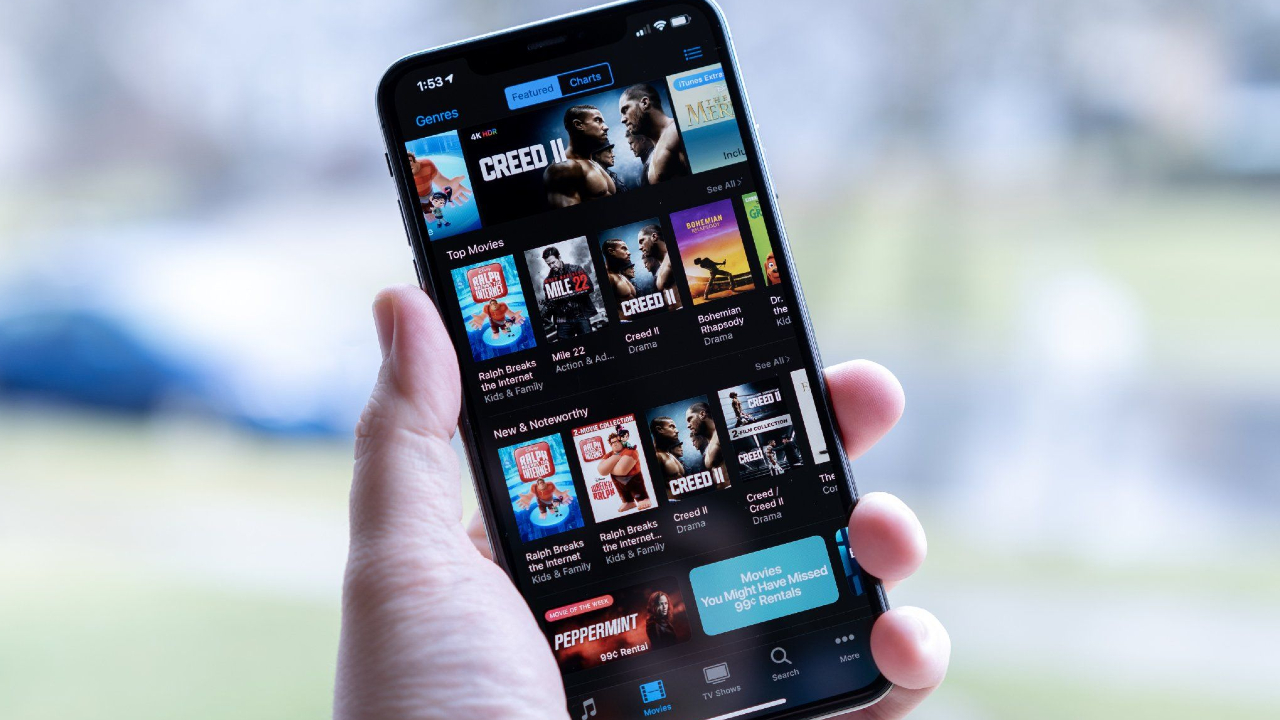
You might be wondering how to get a refund for iTunes or App Store purchases. It's not as straightforward as returning an unwanted item to your local Apple Store, but it can be done. We've all had a situation where we accidentally tapped that purchase button with a slip of the finger. Or a child who managed to make a purchase without parental permission. Or even a case where a purchase didn't work as advertised. But all is not lost, you can request a refund from any of Apple's digital stores.
You'll need good reason, though. This process isn't for creating your own free trials of apps, games, books, music, or streaming content.