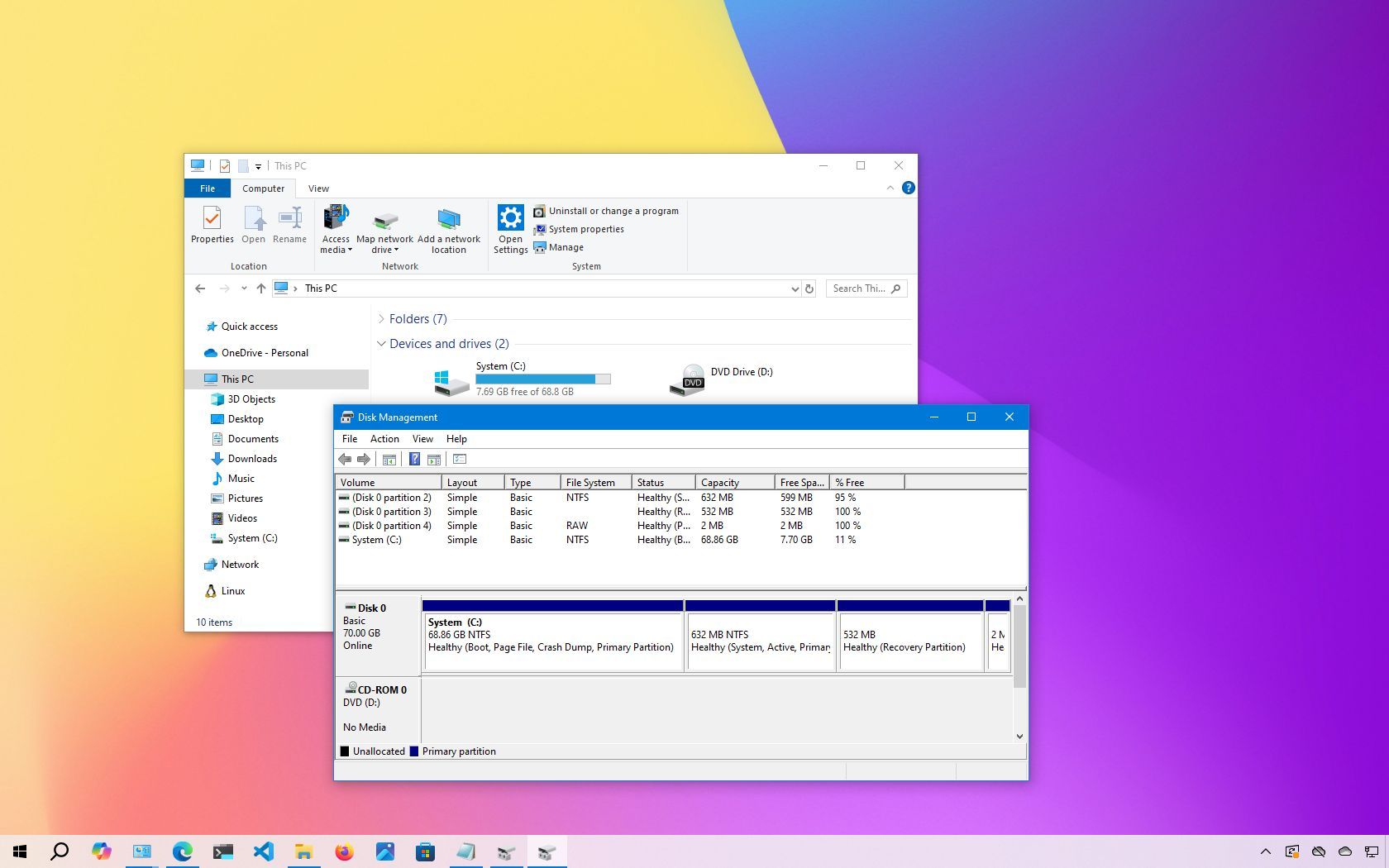
When you connect a mechanical hard drive (HDD), solid-state drive (SSD), or external USB storage to Windows 10, the system usually sets it up automatically. However, there are times when the new drive doesn’t show up in File Explorer. This issue can occur for a variety of reasons, some simple, others more complex.
For instance, there could be a physical problem with the power or data cable. In other cases, the drive might be offline, disabled, or missing a drive letter. If you're using a drive that was previously set up on another computer, its partition might be unreadable due to corruption or because it’s formatted using a file system that Windows 10 doesn’t recognize. You might also be dealing with a raw drive that hasn't been initialized or formatted yet, which makes it invisible to File Explorer.